Loading video…
Sound

original sound - focusedsketchup
FOCUSED SketchUp & AI · Original audio
0:00–:––
Playing this video’s own audio, so you’ll hear the creator over the sound.
The video provides a clear, concise, and actionable rating of popular 3D asset sources, directly addressing a common pain point for SketchUp users and offering a highly-rated solution.
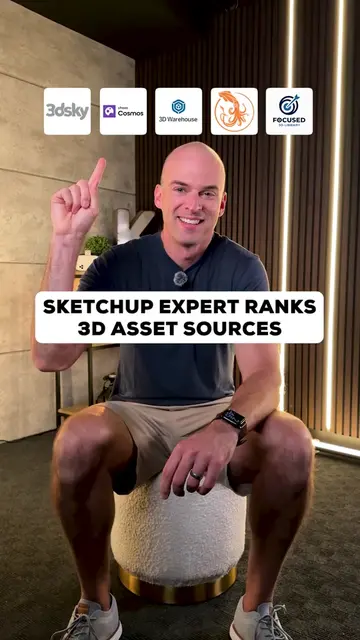
A SketchUp expert rates different 3D asset sources, categorizing them as bad, good, or great. The video highlights Focused 3D Library as a great source with a large selection of easily usable assets.
Most designers waste hours hunting for assets that barely work when they get them into their model. The right source gives you clean, ready-to-use objects that actually hold up in a render. 👉 Follow if you want a SketchUp workflow that saves you time on every single project.
SKETCHUP EXPERT RATES 3D ASSET SOURCES
Introduction to 3D asset sources
Rating 3D Warehouse and TurboSquid as bad
Rating Chaos Cosmos and Art Textures as good
Rating Identic AI as good for object modeling
Highlighting Focused 3D Library as great
Call to action to follow for more SketchUp content
3D Warehouse: ACTS - It is a source of 3D models. Removing it would change the video's topic. It is rated BAD. TurboSquid: ACTS - It is a source of 3D models. Removing it would change the video's topic. It is rated BAD. Chaos Cosmos: ACTS - It is a source of 3D models. Removing it would change the video's topic. It is rated GOOD. Art Textures (ARTX): ACTS - It is a source of 3D models/textures. Removing it would change the video's topic. It is rated GOOD. Focused 3D Library: ACTS - It is a source of 3D models. Removing it would change the video's topic. It is rated GREAT.
Follow if you want a SketchUp workflow that saves you time on every single project.
Playing this video’s own audio, so you’ll hear the creator over the sound.
Promotes 3 products. Create free account to see more.
Outliers and viral hits: their videos on Overshot, all time.
SketchUp-ready 3D asset library for designers and architects
All time.