Loading video…
Sound

original sound - focusedsketchup
FOCUSED SketchUp & AI · Original audio
0:00–:––
Playing this video’s own audio, so you’ll hear the creator over the sound.
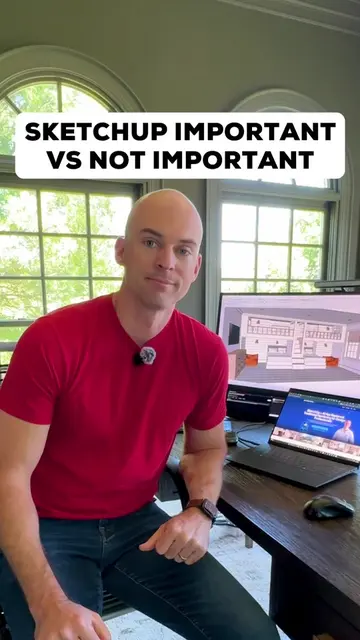
The video provides a clear, concise, and visual tutorial on a specific design challenge in SketchUp, offering a practical solution that saves time and improves results. The direct comparison between the wrong and right way, combined with the quick demonstration, makes it highly effective for users seeking to improve their modeling workflow.
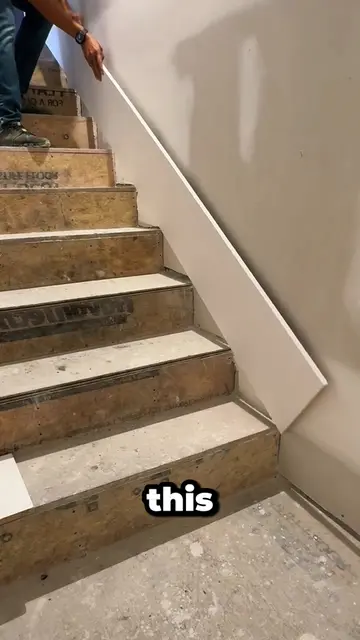
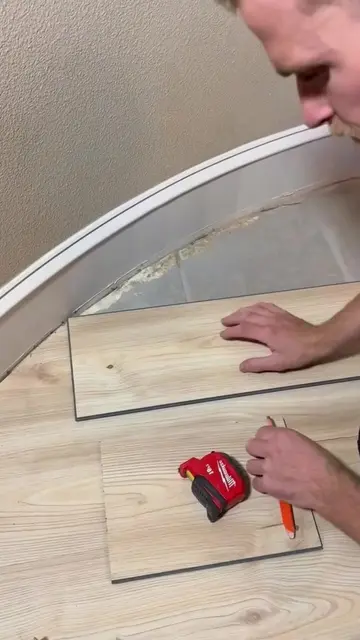
This video demonstrates the correct method for creating curved stairs in SketchUp using the 'Follow Me' tool on a welded path, contrasting it with an incorrect method that results in messy geometry. The tutorial shows how to draw the stair profile, select the path, and then use the tool to extrude the profile, resulting in clean, smooth curved stairs that can be easily textured.
Stop manually segmenting your curved stairs in SketchUp. Building steps piece by piece creates messy geometry and textures that look completely warped when you try to render the backyard. Use the Follow Me tool on a welded path instead. It keeps your files clean, your curves smooth, and your workflow incredibly fast. 👉 Follow along if you want to truly master SketchUp workflows that look professional. #sketchup #3dmodeling #sketchuptutorial
a right way
Show wrong way to build curved stairs
Show correct way: draw profile on wall
Select curved path and weld edges
Use Follow Me tool to create stairs
Apply materials to match design
Show final result and call to action
SketchUp (ACTS - software used to create 3D models, removing it would change the video's content and outcome).
Follow along if you want to truly master SketchUp workflows that look professional. 👉 Follow focused.sketchup for more helpful tips like this.
Playing this video’s own audio, so you’ll hear the creator over the sound.
Promotes 3 products. Create free account to see more.
Outliers and viral hits: their videos on Overshot, all time.
3D modeling software for architecture and interior design
All time.