Loading video…
Sound

original sound - frostechgmz
FrosTech · Original audio
0:00–:––
Playing this video’s own audio, so you’ll hear the creator over the sound.
Hook
Posted Jul 7, 2026Video · 1:00by @frostechgmz
The video provides high-value, actionable technical knowledge that solves a common pain point for tech enthusiasts, while positioning the product as an essential tool for the workflow.
The creator explains the utility of bootable USB drives for running different operating systems and introduces the tool Ventoy for managing multiple ISOs on a single drive. He emphasizes the importance of downloading system images from official sources for security.
Una USB booteable puede instalar Windows, correr Linux sin instalar nada o revivir una PC vieja. Así arrancas otro sistema operativo directo desde una memoria, sin tocar tu disco duro. Guarda este video para tu próximo formateo. #usbbooteable #ventoy #linux #homelab #tecnologia
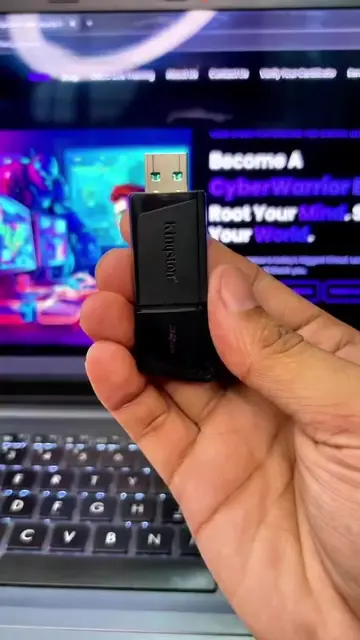
En cada una de estas USB tengo una computadora completamente diferente.
Introduction to bootable USBs
Explanation of how bootable USBs work
Use cases for different operating systems
Introduction to Ventoy for multi-booting
Security warning for downloading ISOs
Call to action for a future tutorial
Ventoy is the central subject of the video, demonstrated as a solution for managing multiple bootable operating systems.
Si quieres, en el siguiente video te enseño cómo crear una desde cero.
Playing this video’s own audio, so you’ll hear the creator over the sound.
Bootable USB software for creating multiboot drives, for computer users
All time.
Promotes 7 products. Create free account to see more.
Outliers and viral hits: their videos on Overshot, all time.