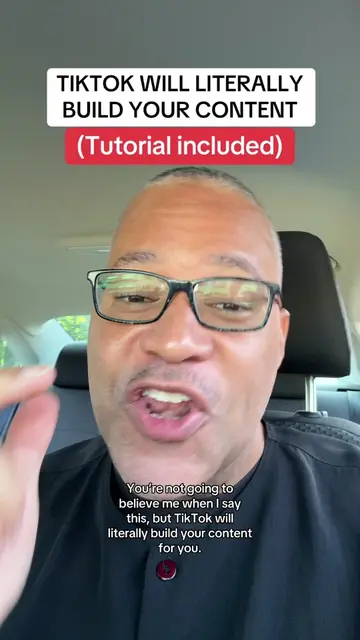
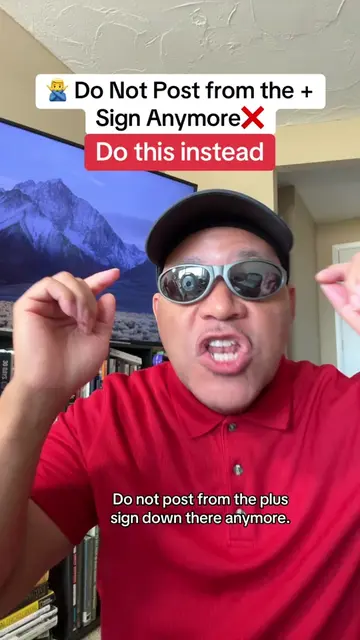
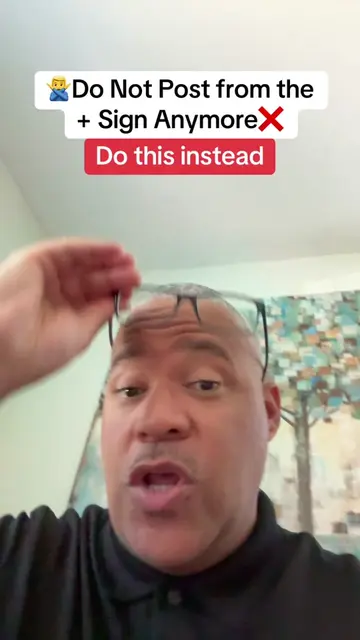
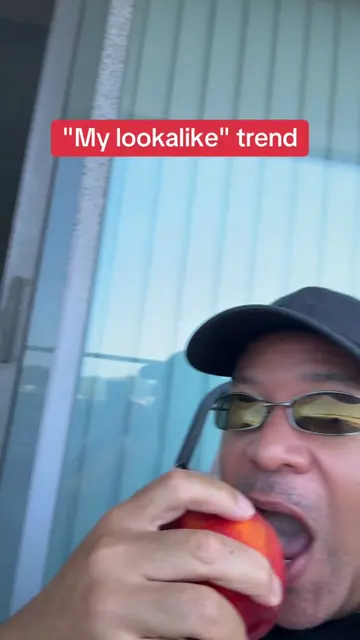
Loading video…
All breakouts
31.3Talking HeadWarning hookCreator Economy
Hook
CHANGE YOUR BACKGROUND
@tremaynemitchellofficial
25.6K followers · usually 803 views a post
Views
25.1K
Likes
800
Comments
164
Shares
366
Promoted product
TikTok
Why it worked
The video offers a practical, step-by-step tutorial for a common video editing need, making it highly shareable and useful for creators looking to improve their content.
Summary
This video provides a tutorial on how to change your background using TikTok's editing features. It guides viewers through uploading their video, using the 'cut out' and 'background' tools, and suggests using Pixabay for free background images.
Structure
- 1Introduction to changing backgrounds
- 2Demonstration of TikTok editing tools (cut out, background)
- 3Guidance on uploading and selecting backgrounds
- 4Suggestion to use Pixabay for free images
- 5Call to action to bookmark, join, and follow for more tips
Product placement
TikTok (app): used to edit videos and change backgrounds. Removing it would prevent the tutorial from being followed. Pixabay (website): used to find free images for backgrounds. Removing it would mean the user has to find images elsewhere.
Call to action
Go ahead and bookmark this video. Click my bio and join. Go ahead and click follow.
Original caption
CHANGE YOUR BACKGROUND. VIDEO EDITING- FULL TUTORIAL- PART 4.
More from @tremaynemitchellofficial
More breakout videos from this creator.