Loading video…
All breakouts
60.2Text-HeavyOther hookConsumer Apps
Hook
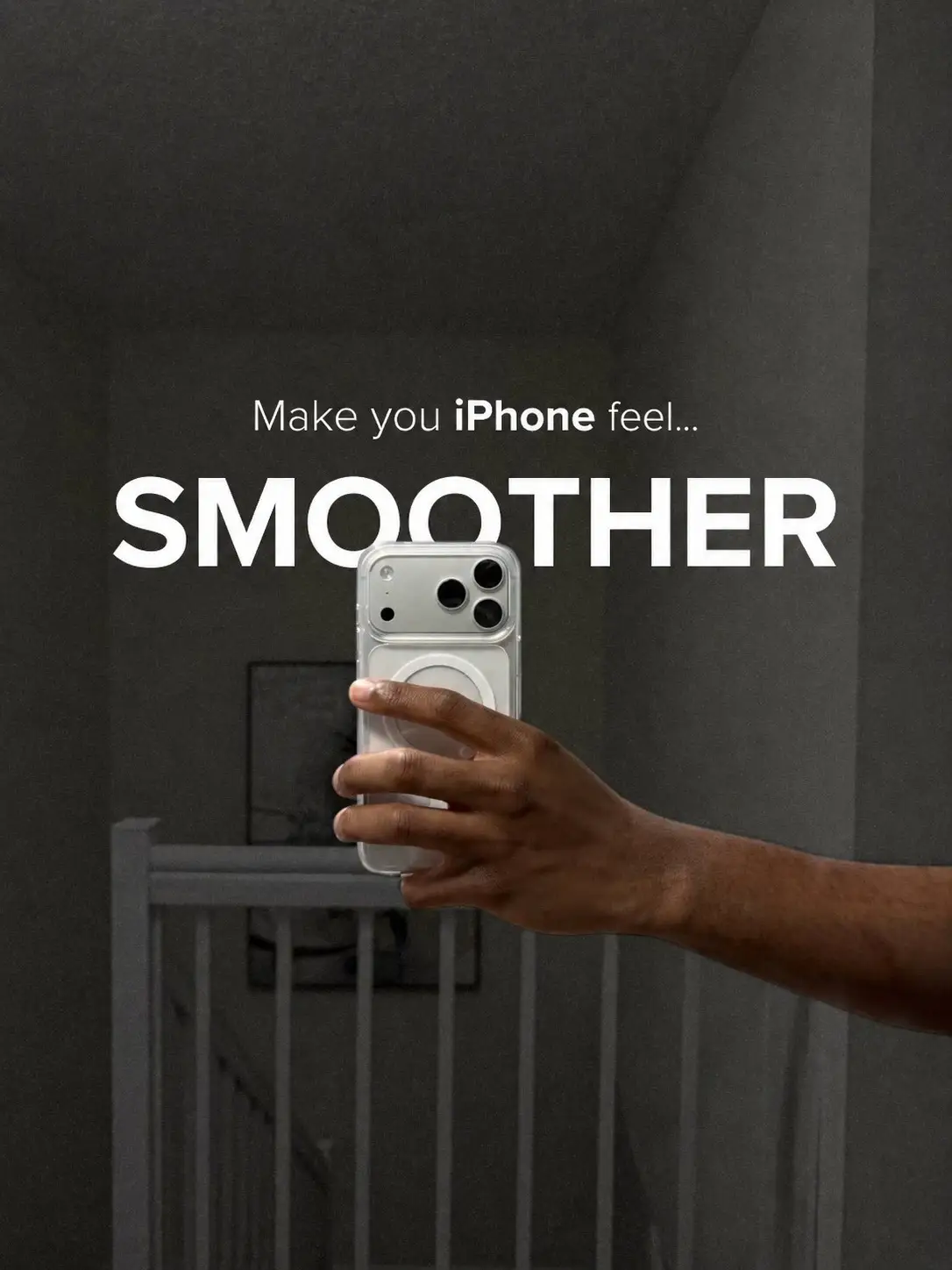
Make you iPhone feel...
@leomtech
3.1K followers · usually 11.2K views a post
Views
660.0K
Likes
19.9K
Comments
35
Shares
811
Promoted product
iPhone
Why it worked
The post offers a practical, actionable tip for a common user frustration (a slow-feeling phone) presented in a clear, step-by-step visual format, making it easy to follow and implement.
Summary
This photo post provides a step-by-step guide on how to adjust iPhone settings to make the device feel smoother. It instructs users to navigate through Settings, Accessibility, Display & Text Size, and Touch to enable features like 'On/Off Labels', 'Reduce Transparency', and increase 'Tracking Sensitivity' in Assistive Touch.
Structure
- 1Introduction: Make iPhone feel smoother
- 2Navigate to Settings > Accessibility
- 3Navigate to Display & Text Size and enable 'On/Off Labels' and 'Reduce Transparency'
- 4Navigate to Touch > Assistive Touch
- 5Increase Tracking Sensitivity to 90%
Product placement
iPhone (acts): A smartphone whose settings are being adjusted to improve performance. Removing it would change what happens in the video. Apple (appears): A brand logo on the iPhone. Removing it would not change what happens in the video.
Call to action
Try these and tell me if it feels smoother.
Original caption
Your iPhone isn’t slow… your settings might be. Try these and tell me if it feels smoother. #techtok #apple #iphone #ios #iphonetips
More from @leomtech
More breakout videos from this creator.