Loading video…
All breakouts
12.1Text-HeavyWarning hookConsumer Apps
Hook
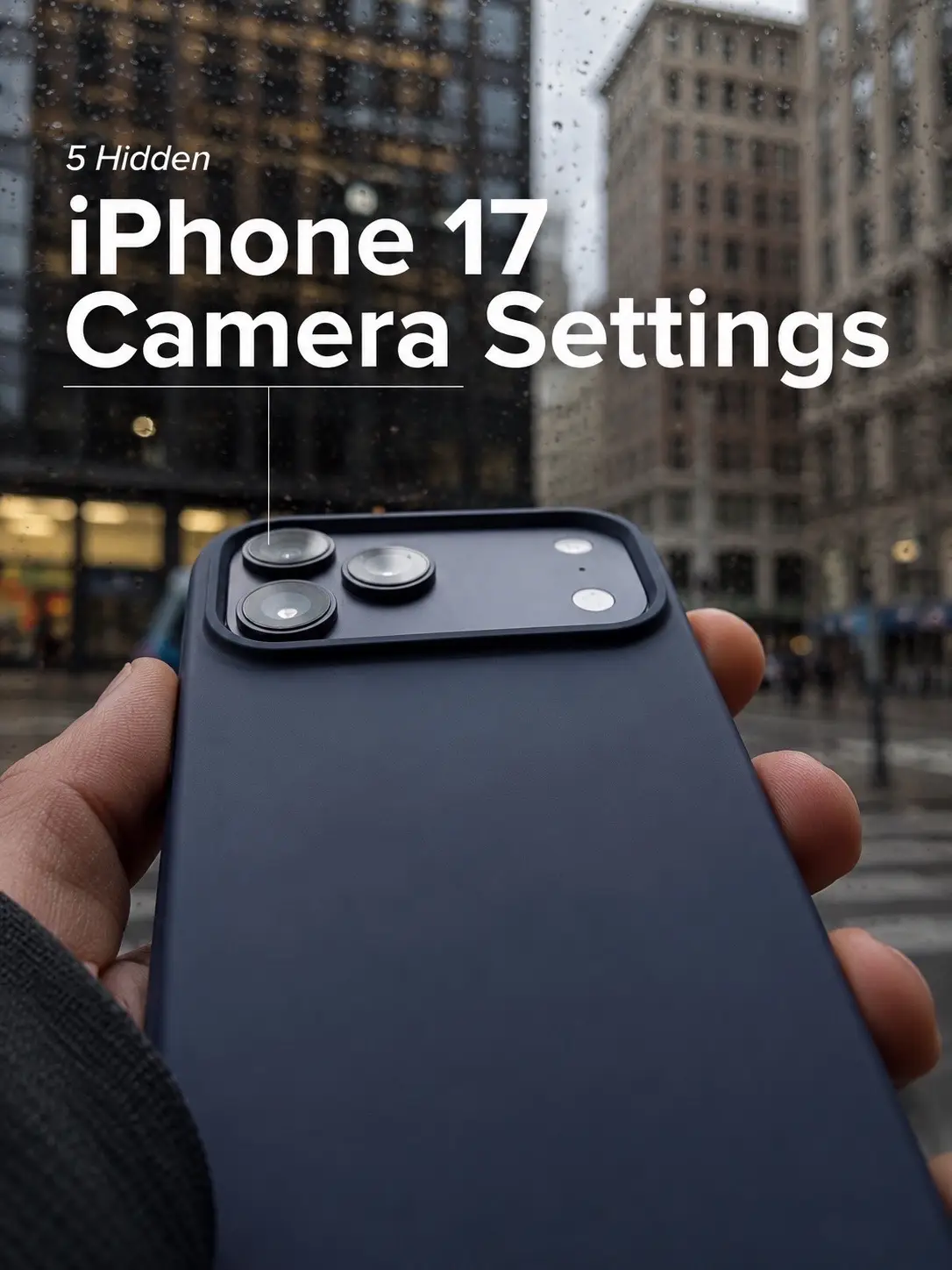
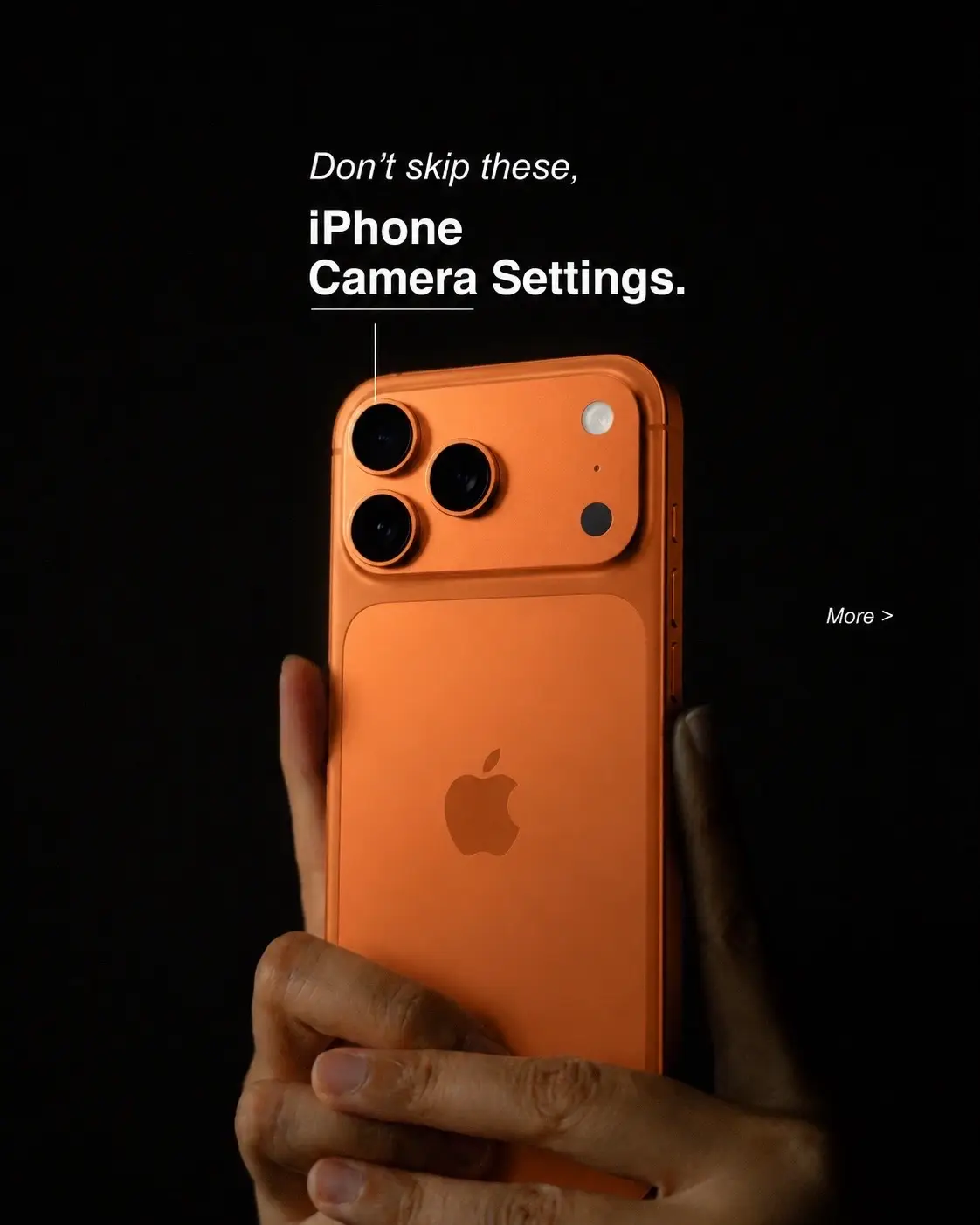
Don't skip these, iPhone Camera Settings.
@leomtech
3.1K followers · usually 11.2K views a post
Views
133.1K
Likes
3.6K
Comments
13
Shares
599
Promoted product
iPhone Camera Settings
Why it worked
The content directly addresses a common user desire to improve their phone's photography, offering actionable tips with clear visual examples. The "don't skip these" hook creates urgency, and the focus on specific settings makes the advice practical and easy to implement.
Summary
This TikTok slideshow provides a series of iPhone camera setting recommendations to improve photo quality. It covers enabling grid and level, shooting in 24MP with High Efficiency, using HEIF Max format, and choosing specific lens focal lengths for better composition and detail.
Structure
- 1Introduction to iPhone camera settings
- 2Enabling Grid & Level for composition
- 3Shooting in 24MP with High Efficiency
- 4Using HEIF Max for detail and file size
- 5Choosing specific lens focal lengths
Product placement
Apple iPhone: ACTS - The video demonstrates camera settings and features on an iPhone, implying its use for photography. Removing it would change what happens in the video. Apple: APPEARS - A logo on the back of the iPhone. Removing it would not change what happens in the video.
On-screen text
Don't skip these,
iPhone
Camera Settings.
More >
Turn 'ON'
Grid & Level
Better composition instantly.
COMPOSITION
Grid
Level
Mirror Front Camera
View Outside the Frame
To ensure proper alignment and balanced composition, enable grid lines for leveling and apply the rule of thirds to strategically position key elements off-center.
Shoot
in 24MP
Sharper photos. Smarter file sizes.
< Formats
Photo Mode
12 MP
24 MP
A photo will be approximately:
• 2 MB at 12 MP
• 3 MB at 24 MP
CAMERA CAPTURE
High Efficiency
Most Compatible
To reduce file size, capture photos and videos in the High Efficiency HEIF/HEVC format. Most Compatible will always use JPEG/H.264. Cinematic video, 4K at 60 fps or higher, and HDR require High Efficiency.
For the best balance of detail and file size, select 24MP with High Efficiency.
Use HEIF Max
Maximum detail. Smaller files.
< Formats
Pro Default
HEIF Max (up to 48 MP)
ProRAW 12 MP
ProRAW Max (up to 48 MP)
Select a default pro format, in Camera, tap to toggle the pro format on or off, or long press to choose other format options.
PRORAW FORMAT
JPEG Lossless (Most Compatible)
JPEG-XL Lossless
JPEG-XL Lossy
JPEG-XL offers improved compression over JPEG, resulting in smaller file sizes. JPEG-XL support is available on iOS 17 and later, and macOS 14 and later.
File sizes are approximately:
• 5 MB for HEIF at 24 MP
• 25 MB for ProRAW at 12 MP
• 75 MB for ProRAW at 48 MP
For high-quality photos with smaller file sizes, use HEIF Max.
Choose
Your Lens
Frame every shot with intention.
ADDITIONAL LENSES
28 mm
35 mm
Tap the 1x zoom button to toggle between 24 mm and additional lenses.
DEFAULT LENS
Default to 24 mm - 1x
Default to 28 mm - 1.2x
Default to 35 mm - 1.5x
0.5x 1 2 5
CINEMATIC VIDEO PHOTO PORTRAIT SPATIAL
For precise zoom control, choose a focal length instead of sliding or pinch-to-zoom.
Original caption
If you only change one thing... make it these camera settings. Your future photos will thank you. #iphonetips #Apple #camerasettings #fyp #TechTok
More from @leomtech
More breakout videos from this creator.