Loading video…
All breakouts
31.0Text-HeavyListicle hookConsumer Apps
Hook
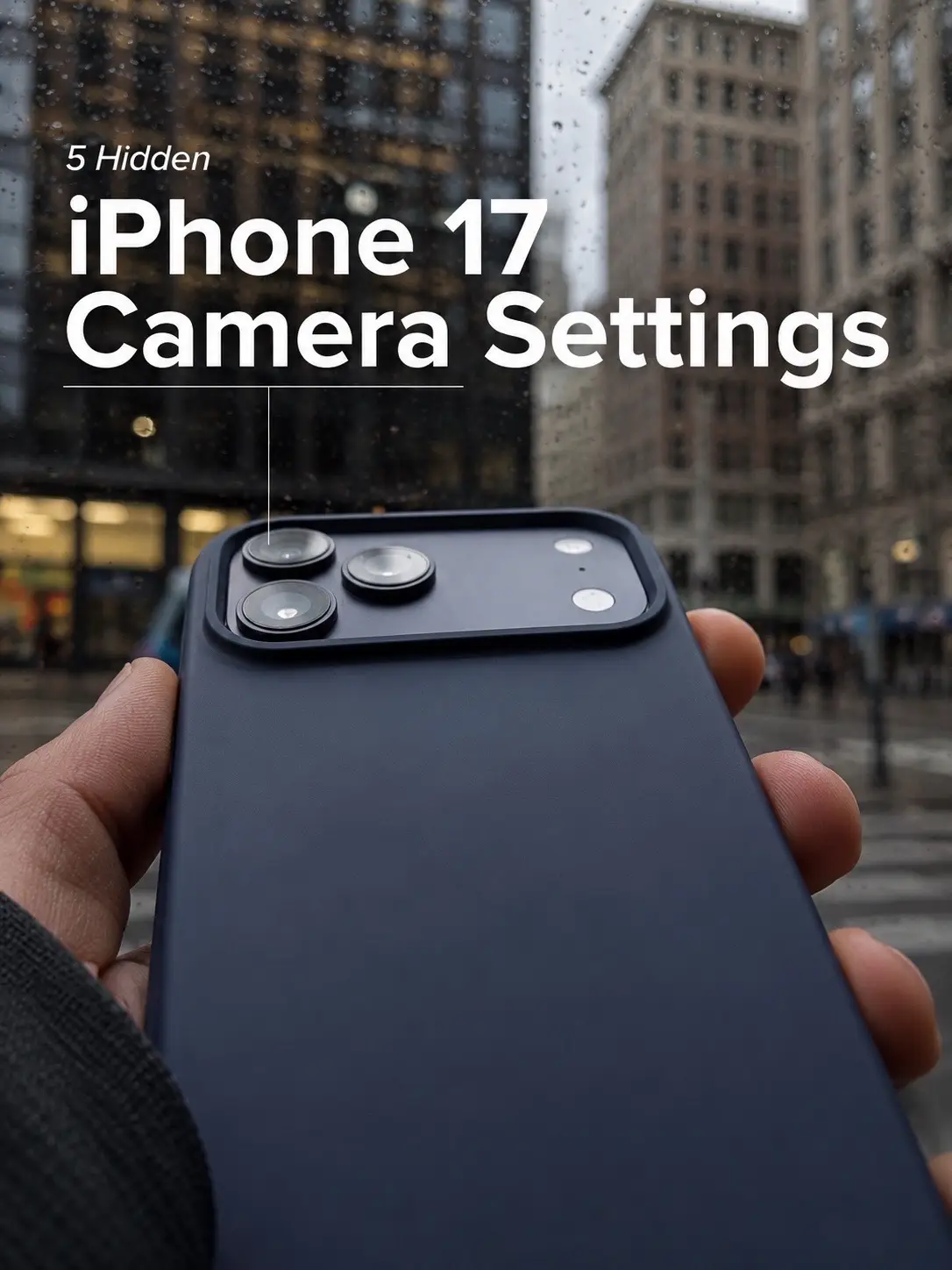
5 Hidden iPhone 17 Camera Settings
@leomtech
3.1K followers · usually 11.2K views a post
Views
339.6K
Likes
12.4K
Comments
44
Shares
1.4K
Why it worked
The video taps into the strong consumer interest in new iPhone releases and camera technology by offering 'hidden' tips, which creates a sense of exclusivity and value for the viewer. The clear, step-by-step visual instructions make complex settings easily digestible.
Summary
This TikTok slideshow provides a guide to five hidden camera settings on the iPhone 17, covering aspects like resolution control, video quality, LOG settings, mirroring the front camera, and using the grid overlay. The content aims to help users capture higher quality photos and videos.
Structure
- 1Introduction to hidden iPhone 17 camera settings
- 2Upgrading to 48MP with ProRAW & Resolution Control
- 3Optimizing video quality for recording, slo-mo, and cinematic shots
- 4Enabling LOG settings for advanced color grading
- 5Turning on Mirror Front Camera and Grid for better selfies and composition
Product placement
iPhone 17 (Acts: The video discusses camera settings for this phone, implying its existence and functionality. Removing it would change the topic. It is a speculative product, as the iPhone 17 has not been released.)
On-screen text
5 Hidden
iPhone 17
Camera Settings
Upgrade to 48MP
Settings Camera Formats
ProRAW & Resolution Control
Turning on ProRAW & Resolution
Control will allow you to switch
between 24MP and 48MP, for sharper
and more detailed photos.
Video Quality
For the Cleanest & Most Cinematic Results, Use
These Settings...
In Record Video,
Set it to "4K at 30fps"
In Record Slo-mo,
Set it to "4K at 120fps"
In Record Cinematic,
Set it to "4K at 24fps", same frame rate
used in most movies
LOG Settings
Do you want more control when colour grading your iPhone footage?
Turn On "Apple ProRes"
... Under ProRes Encoding, switch
from HDR to LOG
In the Camera app, you will now be
able to see new LOG options for a
Flatter image that you can grade
later.
Do you want to fix the horrible automatic inverted selfies?
Turn on "Mirror Front Camera"
Now you selfies will look exactly as you see it on your iPhone
screen and not flipped.
Turn ON "Grid"
This will turn on 3x3 grid overlay to
your camera view, making it easier to
center your subjects and line up your
shots for a more cinematic look.
Original caption
Try these before your next photo and tell me if you notice the difference. 📸 #iphone17 #iphonecamera #iphonetips #ios26 #techtok
More from @leomtech
More breakout videos from this creator.