Loading video…
Sound

original sound - technodivine1
technodivine1 · Original audio
0:00–:––
Playing this video’s own audio, so you’ll hear the creator over the sound.
We didn’t find a product being promoted in this video. Its hook, format and structure below still show why it took off.
Browse products winning on TikTokThe video provides a clear, step-by-step tutorial on a trending feature within a popular app, making it easy for users to follow along and replicate the process.
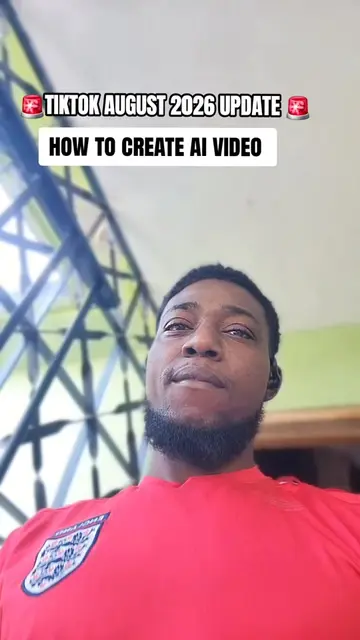
This video demonstrates how to create AI videos using TikTok's built-in features. It guides viewers through selecting a template, uploading a photo from their gallery, and processing it to generate the AI video.
#goviral
HOW TO CREATE AI VIDEO FROM TIKTOK
Tap the plus sign to start creating.
Navigate to the 'Create' section and find AI templates.
Select an AI template.
Choose a photo from your phone gallery.
Process the image to generate the AI video.
TikTok ACTS: it is the platform where the video is created and edited. Removing it would change what happens in the video. It is a substrate.
Playing this video’s own audio, so you’ll hear the creator over the sound.
Outliers and viral hits: their videos on Overshot, all time.

![how to turn text to videos[how to create ai videos on tiktok[start creating ai v](https://tiktokspy.sfo3.digitaloceanspaces.com/covers/7680575505497656583.jpg)