Loading video…
Sound

original sound - technodivine1
technodivine1 · Original audio
0:00–:––
Playing this video’s own audio, so you’ll hear the creator over the sound.
This video promotes it, but we haven’t matched it to a product page yet, so there are no product figures.
The video provides a clear, step-by-step tutorial on a trending feature within a popular platform, making it highly relevant and shareable for users looking to leverage AI for content creation.
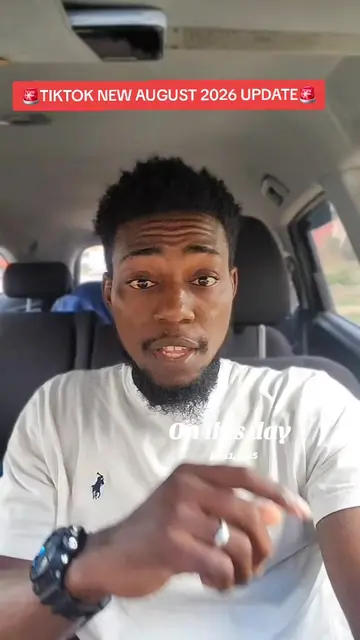
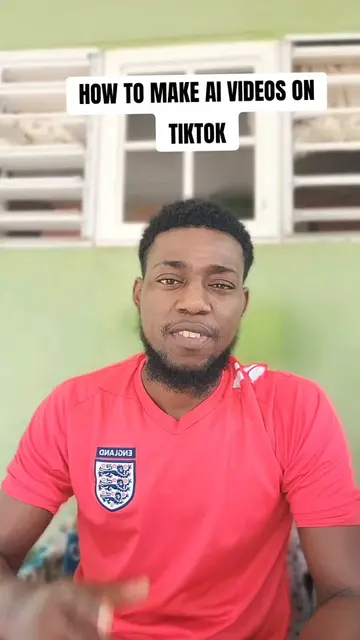
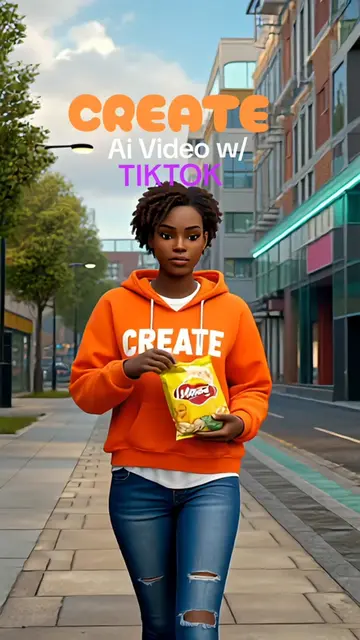
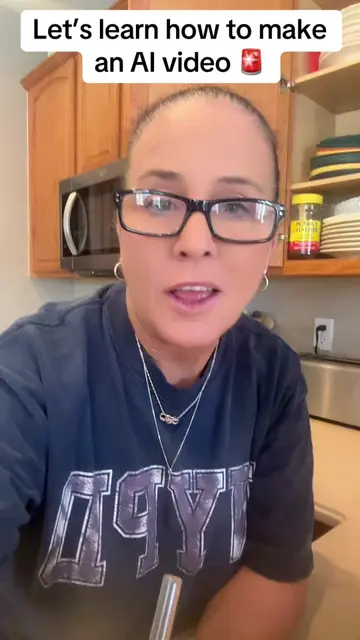
This video demonstrates how to create AI-generated videos using TikTok's built-in features. It guides viewers through the process of accessing the AI video tool, inputting text prompts, and setting the correct aspect ratio for TikTok.
how to turn text to videos[how to create ai videos on tiktok[start creating ai video for free #texttovideo #tiktoktips
HOW TO CREATE AI VIDEOS ON TIKTOK
Introduce the concept of creating AI videos on TikTok.
Navigate to the TikTok creation screen.
Select the 'AI Video' feature.
Choose 'Text to Video' and input a script.
Adjust aspect ratio to 9:16.
Generate the video and offer further assistance.
TikTok (app): A social media platform where users can create and share short-form videos. It ACTS as the platform for creating and sharing the AI videos. Removing it would change what happens in the video. AI Video (feature): A feature within TikTok that allows users to create videos using AI. It ACTS as the tool for generating the video content. Removing it would change what happens in the video.
Join my classes and ask your questions alright?
Playing this video’s own audio, so you’ll hear the creator over the sound.
Outliers and viral hits: their videos on Overshot, all time.