Loading video…
Sound

original sound - uclgvq7
JJJIA · Original audio
0:00–:––
Playing this video’s own audio, so you’ll hear the creator over the sound.
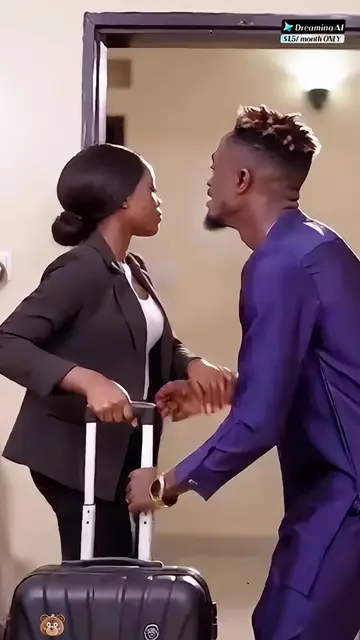
The video leverages a trending dance and a popular AI tool to show users how easily they can recreate content, tapping into the desire for creative expression and social sharing.
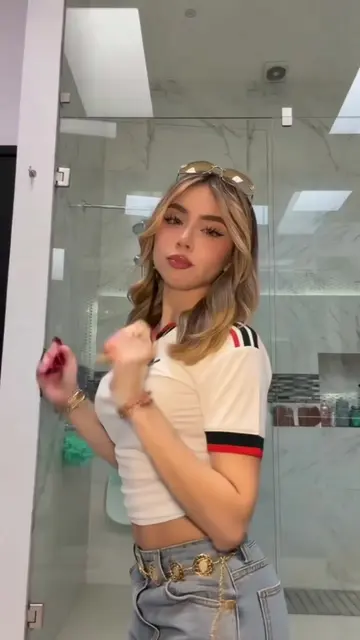
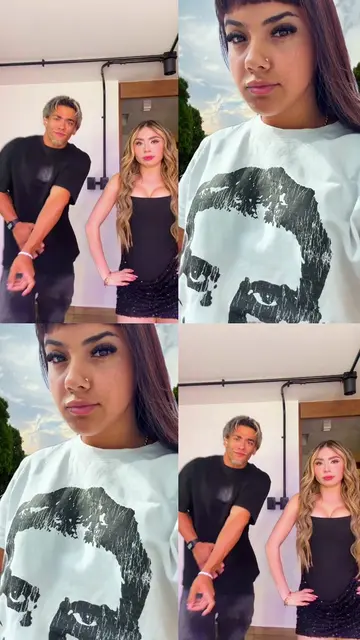
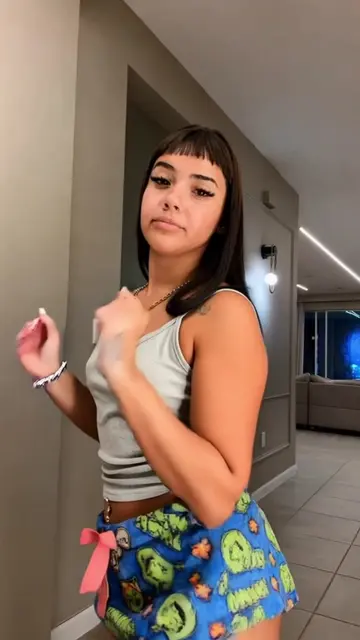
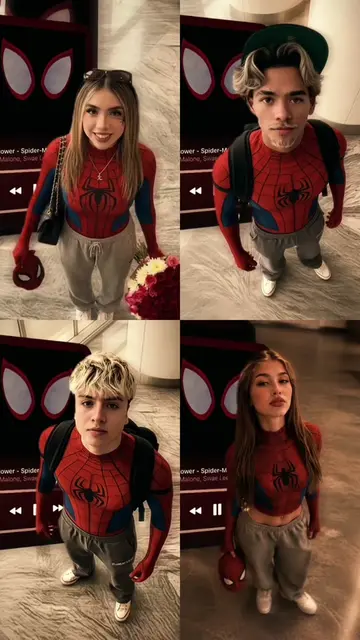
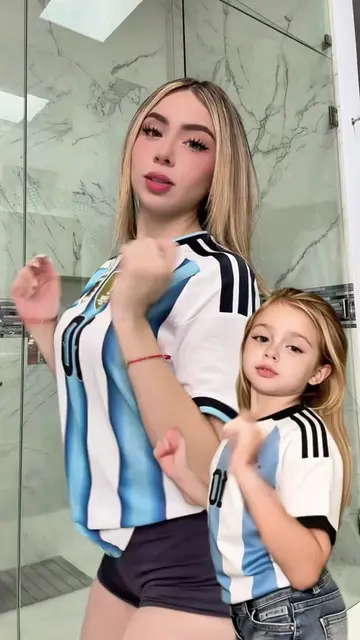
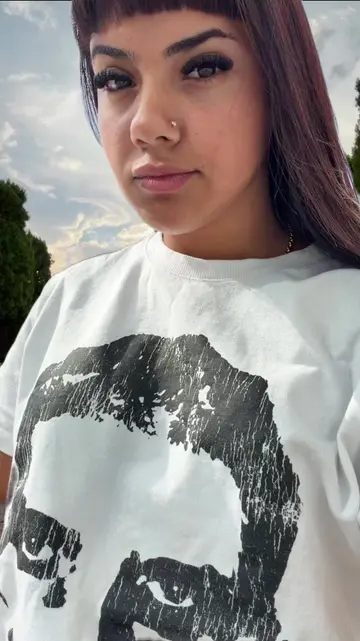
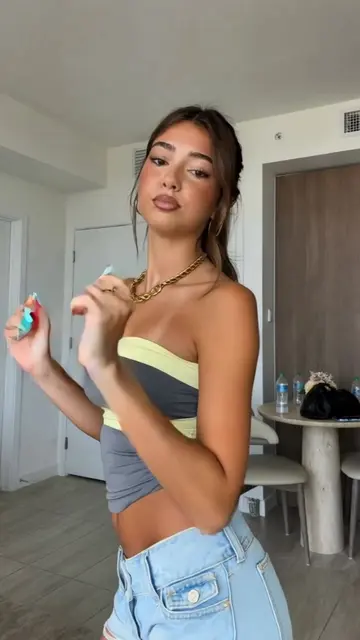
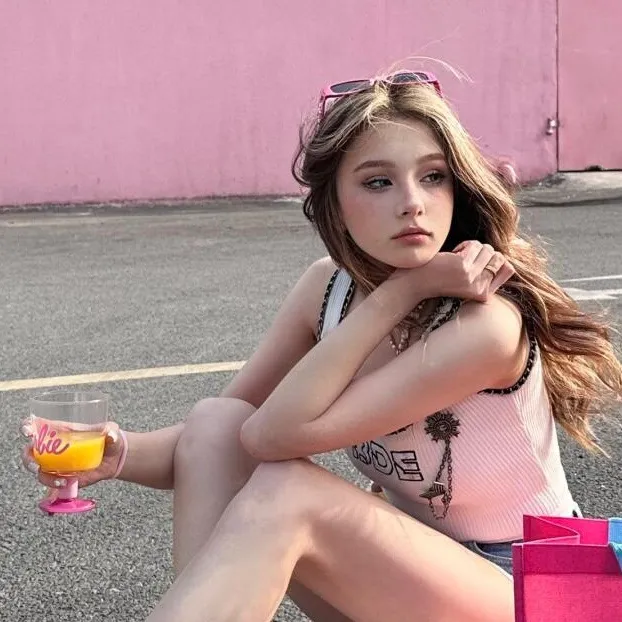
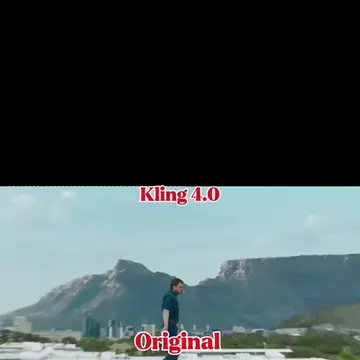
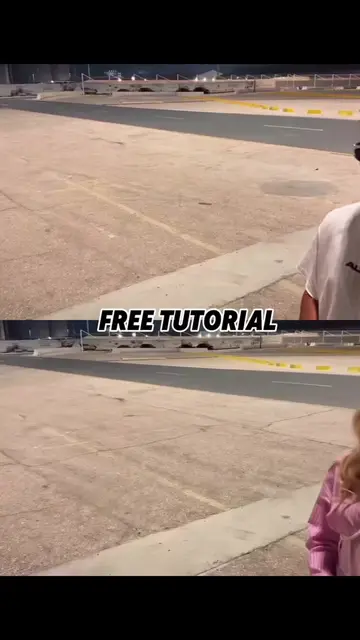
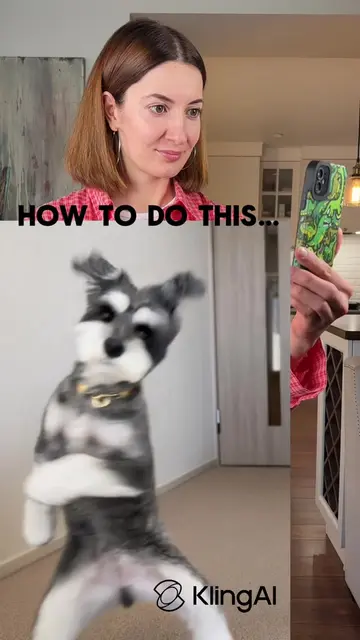
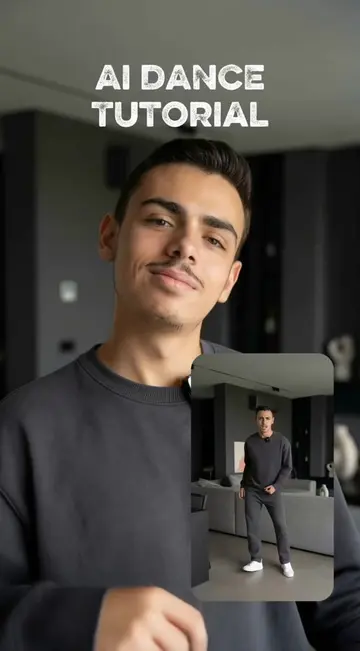
This video demonstrates how to use the Kling AI app to recreate a dance from a single photo. The process involves copying a link, pasting it into the Kling AI app, and then uploading a photo to generate a new video of the dance.
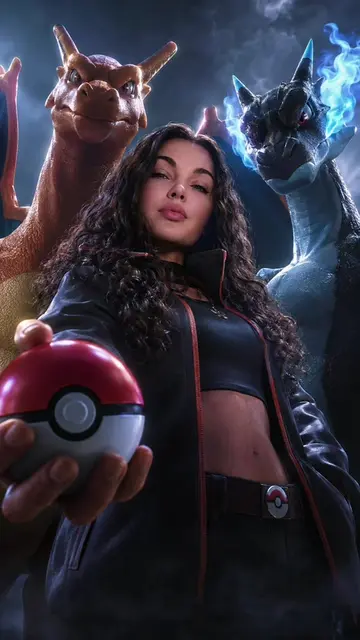
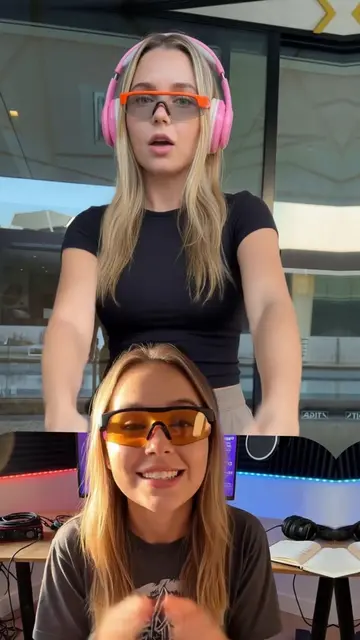
Wait… this started from just one photo? 😂🔥 Using Kling AI Motion Control, the same dance can be recreated in minutes. Motion Control demo. AI dance animation. Photo-to-video transformation. Trending dance recreation. Now imagine your friend doing this😎 Copy the link from this video, open Kling AI, and let Motion Control do the rest. One photo is all it takes 🤖 #KLingCreators #KlingAI #karentorres #kingnasirdance #aidance @karen torres🤍🐐
Want to make your friend do this dance?
Show original dance
Explain how to recreate
Copy link
Open Kling AI
Upload photo
Generate new dance video
Kling AI (app): ACTS - used to recreate a dance from a single photo. Removing it would mean the dance could not be recreated using this method. Kling AI (app): APPEARS - as an app icon on the phone screen. Removing it would not change what happens in the video.
Copy the link from this video, open Kling AI, and let Motion Control do the rest.
Playing this video’s own audio, so you’ll hear the creator over the sound.
Promotes 2 products. Create free account to see more.
Outliers and viral hits: their videos on Overshot, all time.
AI creative studio for generating videos, images, audio, avatars, and effects
All time.