Loading video…
All breakouts
4.1App DemoGames
Hook
99%
@vermaxtv
664.4K followers · usually 96.1K views a post
Views
393.0K
Likes
15.7K
Comments
276
Shares
1.3K
Promoted product
Backiee - Wallpaper Studio
Why it worked
The video taps into a common desire among gamers to personalize their gaming setup, offering a simple and visually appealing solution for customizing the Xbox interface, which is often overlooked.
Summary
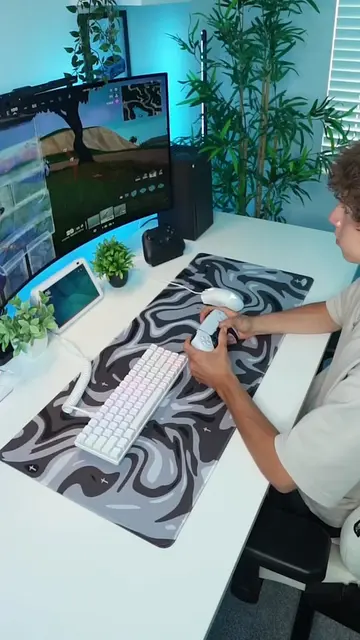
The video demonstrates how to customize the appearance of an Xbox console by installing and using the "Backiee - Wallpaper Studio" app from the Microsoft Store. It shows users how to find and apply various wallpapers to personalize their Xbox interface.
Structure
- 1Introduce the problem/tip
- 2Explain how to find the app
- 3Showcase the app's features
- 4Demonstrate applying a wallpaper
- 5Show the final result
Product placement
Original caption
How To Make Your Xbox Look Better! #xbox #xboxseriesx #gaming #GamingSetup #xboxtips
More from @vermaxtv
More breakout videos from this creator.