Loading video…
All breakouts
5.7Talking HeadProblem Callout hookGames
Hook
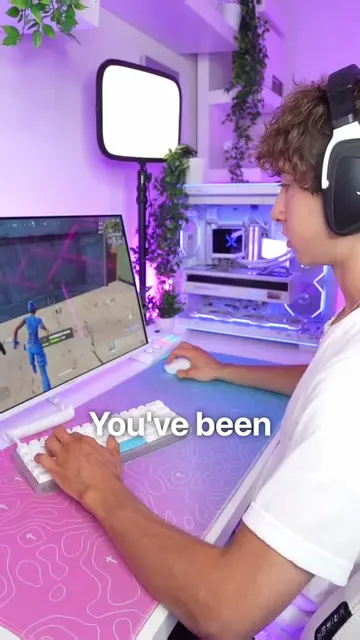
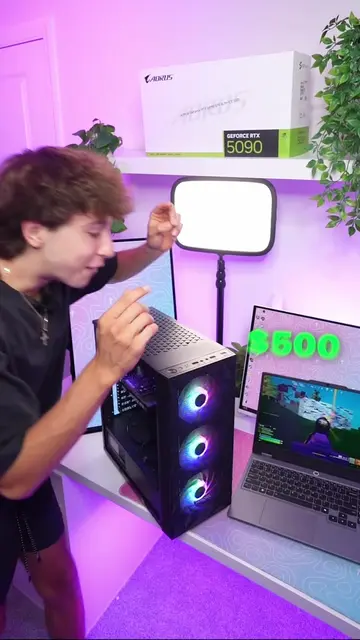
If your PC has been lagging
@vermaxtv
664.4K followers · usually 96.1K views a post
Views
548.2K
Likes
30.5K
Comments
527
Shares
2.0K
Why it worked
The video addresses a common pain point for gamers (lag and FPS drops) and offers simple, actionable solutions that can be easily followed. The creator's direct and engaging delivery, combined with clear on-screen text, makes the information accessible and valuable.
Summary
This video provides two tips to improve PC performance for gaming. First, it suggests updating the Wi-Fi driver through Device Manager to improve ping and speed. Second, it advises deleting temporary files by searching for '%temp%' to free up resources and boost FPS.
Structure
- 1Introduce the problem of PC lag and FPS drops.
- 2Provide the first solution: update Wi-Fi driver.
- 3Provide the second solution: delete temporary files.
- 4
Original caption
How To Boost Your PCs Performance! #gaming #gamingpc #GamingSetup #pctips
More from @vermaxtv
More breakout videos from this creator.