Loading video…
Sound

original sound - angelagrowthcoach
Angela|Viral Tips and Growth · Original audio
0:00–:––
Playing this video’s own audio, so you’ll hear the creator over the sound.
We didn’t find a product being promoted in this video. Its hook, format and structure below still show why it took off.
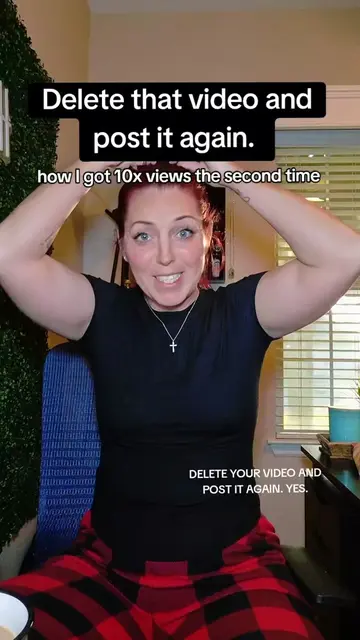
Browse products winning on TikTokThe video provides a practical and actionable tip for TikTok creators struggling with underperforming content, directly addressing a common pain point and offering a solution that avoids negative consequences for their account's algorithm.
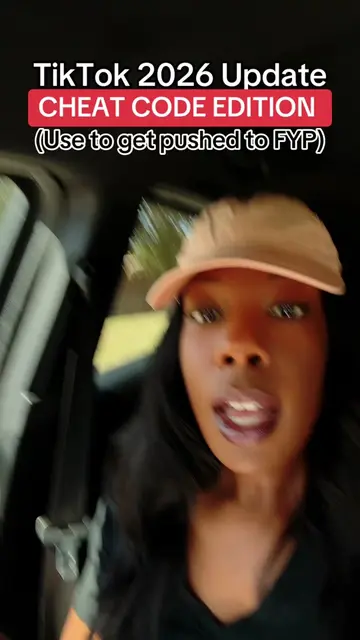
The creator explains how to re-edit or make TikTok videos private instead of outright deleting them to avoid negatively impacting account analytics. This strategy is presented as a way to improve video performance and grow on the platform.
✋You can delete a video for about 24 hours after you create it. You want to DELETE AND RE-EDIT not just delete! #smallcreator #tiktoktips
DELETE THAT VIDEO
Introduction: Delete and repost strategy
Why it matters: Avoid messing up your account
Engage with creator tips
How to re-edit: Delete and re-edit option
How to handle bad videos: Make them private
Call to action: Follow for more tips
TikTok (platform for creators to post videos and grow their audience). The video discusses how to re-edit or make videos private on TikTok to improve account analytics and data. The creator's own Stan Store link is provided, which is a platform for creators to sell products or services.
Follow me for TikTok tips without all the complication.
Playing this video’s own audio, so you’ll hear the creator over the sound.
Outliers and viral hits: their videos on Overshot, all time.