Loading video…
Sound

original sound - digitalgeniushubj
Digital Genius Hub J. · Original audio
0:00–:––
Playing this video’s own audio, so you’ll hear the creator over the sound.
We didn’t find a product being promoted in this video. Its hook, format and structure below still show why it took off.
Browse products winning on TikTokThe video leverages a common user pain point (privacy concerns and targeted ads) and offers practical, actionable solutions within a familiar app (Chrome). The use of clear, step-by-step instructions and visual cues makes the information easy to follow and replicate, driving engagement and shares.
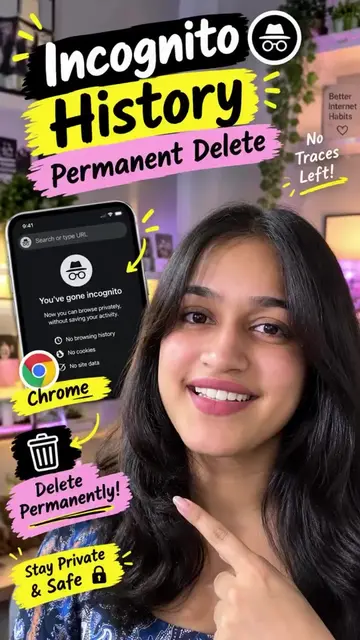
The video demonstrates two Chrome browser tricks for Android users. The first trick involves changing the default search engine to DuckDuckGo to prevent history tracking and reduce ads. The second trick involves using a secret code to access Chrome's internal settings and clear the DNS cache, which can improve browsing speed and privacy.
Samjhe Ya Nahi ? 🤓 Follow @mrcheri For more . . . . . . . #tipsandtricks #android #chrome #TechTips #mrcheri #foryou #viral #fyp #fyp #fyp #tiktokgrowthchallenge
Samjhe Ya Nahi ? 🤓
Introduction and hook
Changing search engine to DuckDuckGo
Accessing Chrome internals via secret code
Clearing DNS cache
Conclusion and call to action
The video demonstrates features within the Google Chrome browser on an Android phone, specifically changing the search engine and accessing internal settings. The creator's bio link points to Ahaconvert.com, a file conversion website, which is implied to be the product being promoted.
Follow @mrcheri For more
Playing this video’s own audio, so you’ll hear the creator over the sound.
Promotes 25 products. Create free account to see more.
Outliers and viral hits: their videos on Overshot, all time.