Loading video…
All breakouts

3.7Talking HeadOther hook
Hook
Sometimes
@_chrisasante
142.1K followers · usually 15.2K views a post
Views
53.6K
Likes
2.9K
Comments
9
Shares
114
Selling · Other Product
Macbook tips
Why it worked
The video provides a quick, actionable tip for a common user problem on a popular platform, making it highly shareable and useful for a broad audience.
Summary
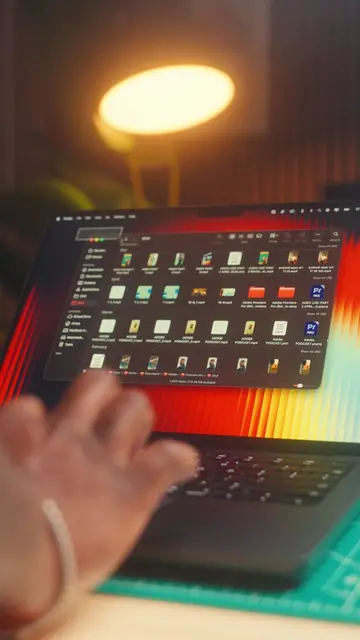
This video demonstrates how to enable the path bar and status bar in Mac's Finder application to easily track file locations and view file information. It explains that these features help users navigate their Mac more efficiently.
Structure
- 1Introduce the problem of losing track of files on a Mac.
- 2Explain how to open Finder and access the View menu.
- 3Instruct to turn on the Path Bar and Status Bar.
- 4Describe the function of the Path Bar for navigation.
- 5Describe the function of the Status Bar for file information.
- 6Encourage saving and following for more tips.
Product placement
Mac (acts - operating system, interface is used to navigate files, removing it would change what happens in the video)
Finder (acts - application used to navigate files, removing it would change what happens in the video)
Macbook (acts - the device being used, removing it would change what happens in the video)
Original caption
TIP 6/30🍎 This tip is probably one that I INSTANTLY turn on as soon as I get a new Mac! It’s just makes navigating your MacBook so much easier! Hope you like it and make sure to follow for the next one! #macbook #productivity #macbooktips
More from @_chrisasante
Their other posts in the index, biggest breakout first.