Loading video…
Sound

original sound - echoarchive.music
echoarchive · Original audio
0:00–:––
- Videos using it
- 58
- Creators
- 42
- Views on those videos
- 36.8M
This video promotes it, but we haven’t matched it to a product page yet, so there are no product figures.
The video provides a clear, step-by-step tutorial on a common creator problem (product photography) using a popular editing app, making it highly practical and shareable.
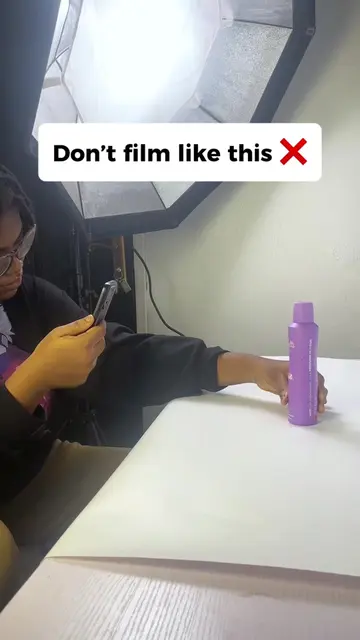
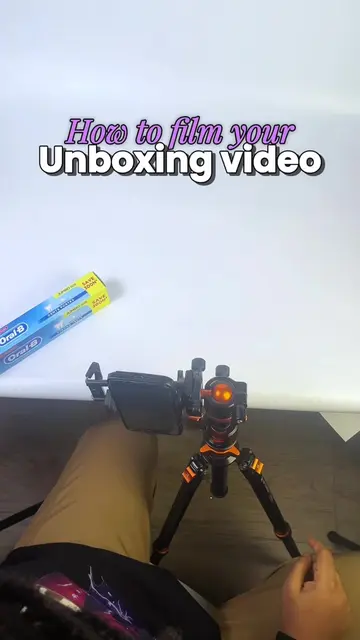
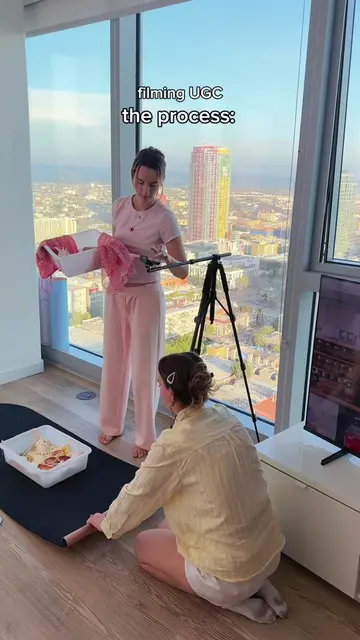
The video demonstrates how to properly film and edit product photos using the CapCut app. It shows incorrect filming techniques and then guides the viewer through rearranging products, taking a picture, and applying effects in CapCut to create a visually appealing final image.
I created a special new course to teach you how to film cool captivating videos to grow on IG. DM “VIDEO” or tap the link in my bio to join my new course: 👉 The Video Blueprint at a whooping 70% discount 😉 This is not just a videography course. It’s a complete system that shows you how to: • create high-quality videos using your phone • know exactly what to post for your business • and turn your content into something that actually brings customers If you’re a business owner who is tired of guessing what to post and ready to start seeing results from your content… 👉 DM “VIDEO” to get access (currently at 70% off) Spots are limited.
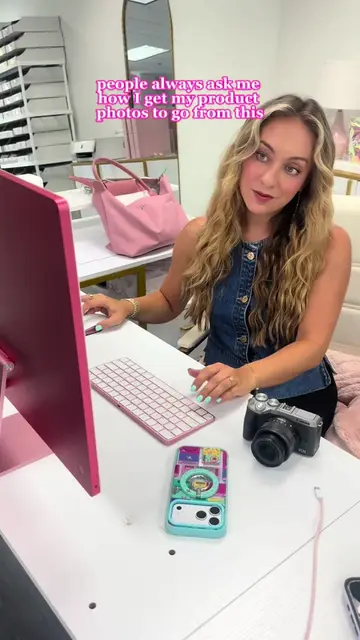
Don't film like this ❌
Incorrect filming setup
Rearrange products
Take a picture
Open CapCut and import picture
Apply keyframes and zoom/rotate
Apply video effects
Extract (Whitening Herbal Soap) (ACTS - the product is shown and edited, its appearance is the subject of the video, removing it would change the video) CapCut (ACTS - the app interface is operated to edit the video, removing it would change the video)
DM “VIDEO” or tap the link in my bio to join my new course: 👉 The Video Blueprint at a whooping 70% discount 😉
Outliers and viral hits: their videos on Overshot, all time.