Loading video…
Sound

original sound - stardustbyallie
Stardust by Allie · Original audio
0:00–:––
Playing this video’s own audio, so you’ll hear the creator over the sound.
Hook
Posted Aug 5, 2026Video · 0:28by @stardustbyallie
The video provides a practical, step-by-step demonstration of a common small business challenge (product photography) and offers a clear solution using a popular tool (Canva). The creator's relatable approach and the visual demonstration of the editing process likely resonated with the target audience.
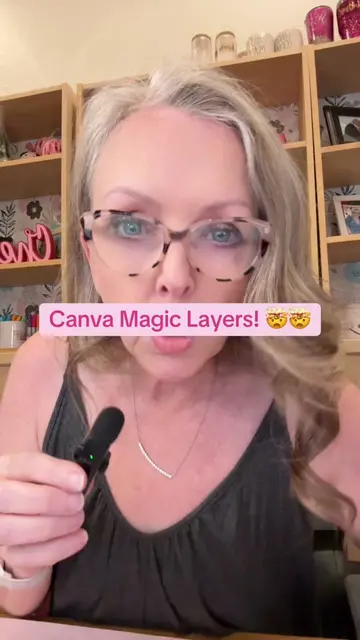
The creator demonstrates how she uses Canva to edit product photos for her small business. She shows the process of taking photos, removing backgrounds, and using editing tools to achieve a clean final product image.
There are so many things that go on behind the scenes of running a business, especially product photography! Luckily, utilizing @Canva has streamlined the process and tools like background remover make it so easy for me to get those crisp product shots for the site! If you're a small business owner or content creator, sign up for Canva Pro for free! #SmallBusiness #Vlog #canvapartner #ad
people always ask me how I get my product photos to go from this
Introduction to product photo process
Setting up the photoshoot
Taking multiple photos
Editing in Canva (background removal, Magic Eraser)
Recommendation to try Canva
Canva (ACTS - used to edit product photos, remove background, and use Magic Eraser; removing it would change the editing process shown) Canva Pro (ACTS - recommended to sign up for; removing it would change the call to action)
sign up for Canva Pro for free!
Playing this video’s own audio, so you’ll hear the creator over the sound.
Promotes 1 product. Create free account to see more.
Outliers and viral hits: their videos on Overshot, all time.
Design app for people creating presentations, worksheets, and other visual content
All time.