Loading video…
Sound

original sound - scammerpayback
scammerpayback · Original audio
0:00–:––
Playing this video’s own audio, so you’ll hear the creator over the sound.
The video effectively uses a real-world scam scenario to highlight the security features of ScreenConnect, making it relatable and informative for viewers concerned about online security.
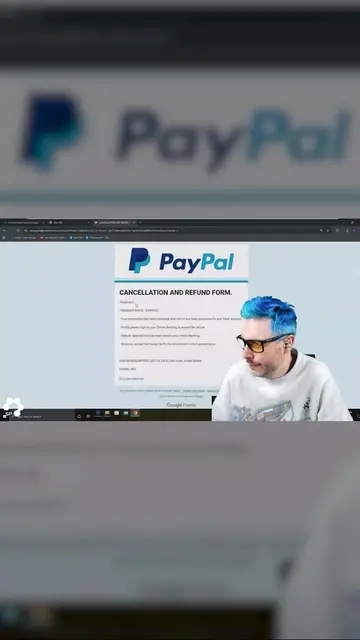
The video demonstrates how a scammer attempts to gain remote access to a user's computer using a fake refund ID and a distraction tactic. The creator exposes the scam by showing how ScreenConnect, a remote access tool, has built-in warnings that alert the user to potential risks.
Melting Scammer Computers | Part 3
ARE YOU HANDY
Introduction to the scammer's tactic
Demonstration of ScreenConnect and its warnings
Exposure of the scammer's attempt to bypass security
The creator's plan to turn the tables on the scammer
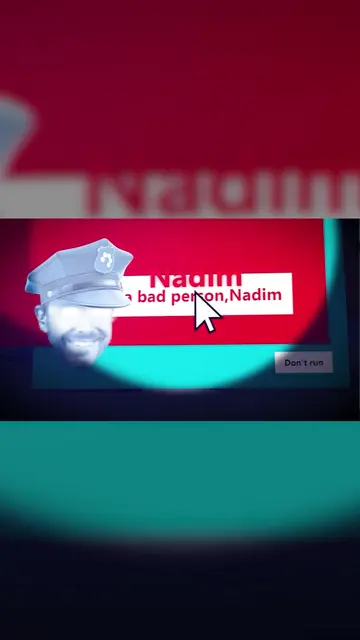
ScreenConnect ACTS - it is a remote support and collaboration portal that is installed on a computer, allowing for remote access and control. Removing it would change what happens in the video because it is the tool being used to interact with the scammer's system. Microsoft Defender SmartScreen APPEARS - it is a security feature that prevents unrecognized apps from running. Removing it would change what happens in the video because it is the security warning that is being bypassed. Nadim ACTS - it is a name that appears on screen as part of a scammer's attempt to trick the user into running an unrecognized app. Removing it would change what happens in the video because it is part of the scammer's persona.
Playing this video’s own audio, so you’ll hear the creator over the sound.
Promotes 2 products. Create free account to see more.
Outliers and viral hits: their videos on Overshot, all time.
Remote support software for IT teams to access and troubleshoot devices
All time.