Loading video…
Sound

original sound - angelagrowthcoach
Angela|Viral Tips and Growth · Original audio
0:00–:––
Playing this video’s own audio, so you’ll hear the creator over the sound.
This video promotes it, but we haven’t matched it to a product page yet, so there are no product figures.
The video provides a clear, concise tutorial on a new, easy-to-use feature within a popular platform, addressing a common creator need for quick content generation.
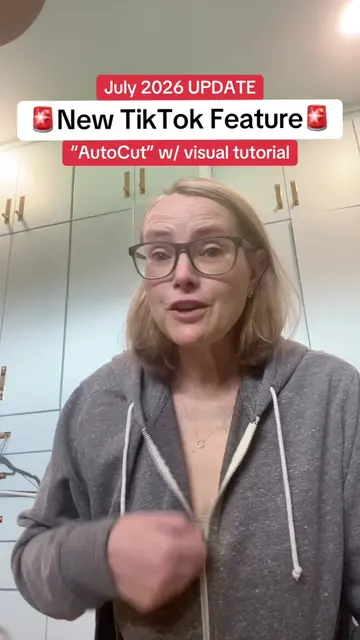
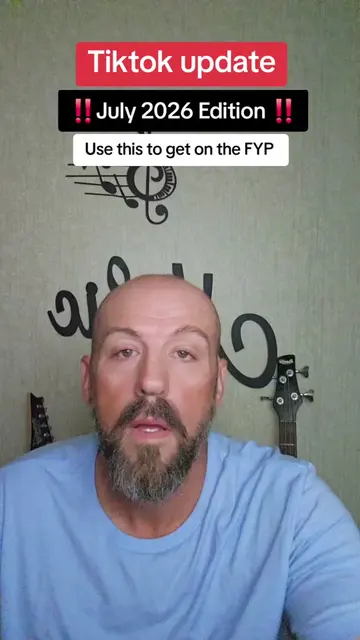
This video explains how to use TikTok's new AutoCut feature to easily create videos. The creator guides viewers through selecting photos or videos and letting TikTok automatically edit them with transitions and sound.
Tutorial included for the new TikTok AutoCut update. #smallcreators #tiktoktips #howtogoviraltips
There's a new move on TikTok.
Introduce new TikTok feature (AutoCut)
Explain how to access AutoCut
Instruct on selecting media
Explain AutoCut's automatic editing process
Discuss sound selection
Show how to post to stories
TikTok (app): a social media platform where users can create and share short-form videos. It ACTS as the platform for the tutorial. Removing it would change the video's context. TikTok (feature): AutoCut, a video editing tool within the TikTok app. It ACTS as the subject of the tutorial, demonstrating how to use it to create videos. Removing it would change the video's purpose.
Follow me for TikTok tips without all the complication.
Playing this video’s own audio, so you’ll hear the creator over the sound.
Outliers and viral hits: their videos on Overshot, all time.