Loading video…
All breakouts

Locked — included with Pro.Open on TikTokPro
Pro links straight through to the original post.
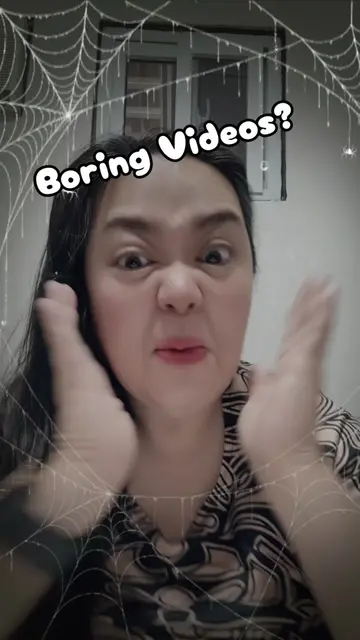
6.6Talking HeadHow-To hook
Hook
How to edit The Speed of your video
@sheilagamo
520.2K followers · usually 1.2K views a post
Views
7.9K
Likes
563
Comments
176
Shares
381
Why it worked
The video provides a quick and easy tutorial on a common video editing task, making it highly shareable and useful for creators looking to enhance their content.
Summary
The video demonstrates how to adjust the speed of a video using editing tools. The creator explains to click the editor icon, then find the speed button on the video strip to make the video faster or slower.
ProLocked — included with Pro
Transcript, structure and on-screen text
5 beats, a 64-word transcript and 3 lines of on-screen text — the parts you need to write your own version.
The hook, the summary, why it worked and what it sells stay open on every video, signed in or not.
Original caption
This is our vibe Hit follow now#tiktoklive #livehighlights How to edit The Speed of your video
More from @sheilagamo
Their other posts in the index, biggest breakout first.