Loading video…
Sound

original sound - thestudiousgoose
StudiousGoose · Original audio
0:00–:––
Playing this video’s own audio, so you’ll hear the creator over the sound.
The video provides a clear, concise tutorial on how to customize a popular Minecraft mod, directly addressing a common user desire for personalized gameplay. The visual demonstration combined with a clear call to action for more resources likely drove engagement.
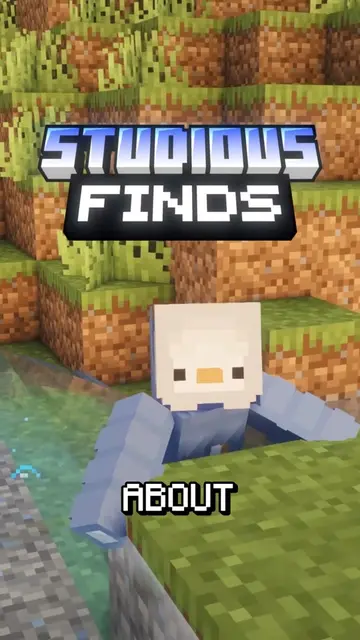
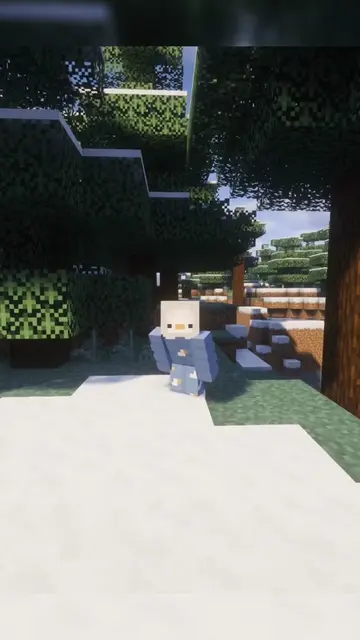
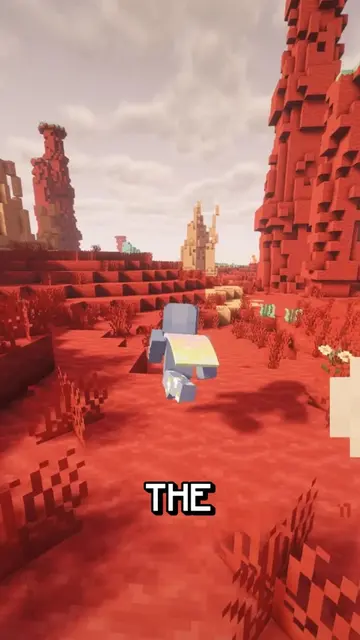
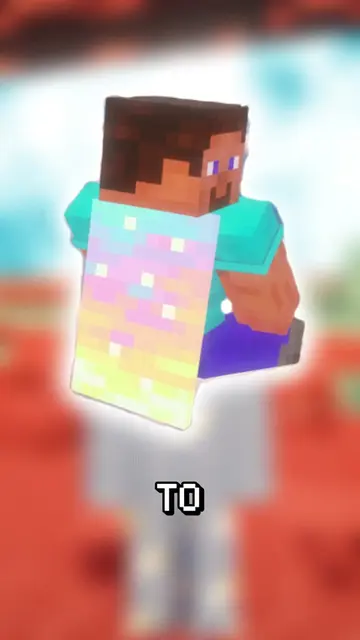
This video demonstrates how to customize first-person animations in Minecraft using the "Punchy! First Person Animations" mod. It shows users how to access the editor and adjust various parameters like hand size and scale to achieve desired visual effects.
Punchy! Mod Tutorial #shaders #moddedminecraft #Minecraft
Punchy! FIRST PERSON ANIMATIONS
Introduction to Punchy! mod
Accessing the editor
Adjusting hand offsets and scale
Customizing the animation
Call to action to join Discord for mods
Punchy! First Person Animations (mod): Acts - it is a mod for Minecraft that allows users to customize first-person animations. Removing it would change the video's topic. Minecraft (game): Appears - it is the game in which the mod is used. Removing it would not change what happens in the video.
Join the Discord
Playing this video’s own audio, so you’ll hear the creator over the sound.
Promotes 7 products. Create free account to see more.
Outliers and viral hits: their videos on Overshot, all time.
Minecraft mod for players who want to customize first-person animations
All time.