Loading video…
Sound

original sound - heroclicker
heroclicker · Original audio
0:00–:––
Hook
Posted Aug 30, 2026Video · 0:21by @heroclicker
The video identifies a common pain point for competitive gamers and provides an immediate, actionable technical solution using a specific, branded tool.
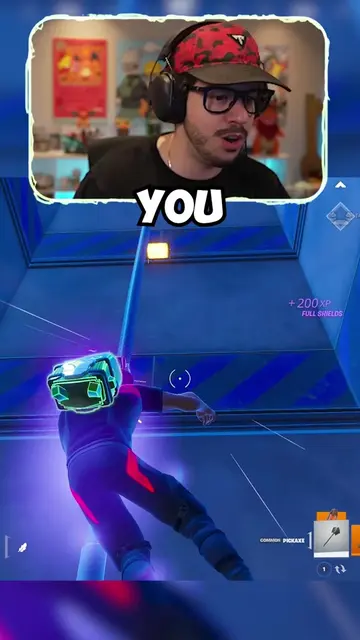
The creator demonstrates how to disable default crosshair animations in Fortnite by using a specific custom map code. The video serves as a tutorial for their own branded custom crosshair tool.
How To Enable CUSTOM Crosshairs For INSANE Aim (Fortnite Tutorial) 🎯✅ #fortnite #fortnitetips #fortnitesettings #crosshair #fyp
This default crosshair animation is ruining your aim.
Identify the problem with default crosshair animations
Show the benefit of a custom crosshair
Explain cross-platform compatibility
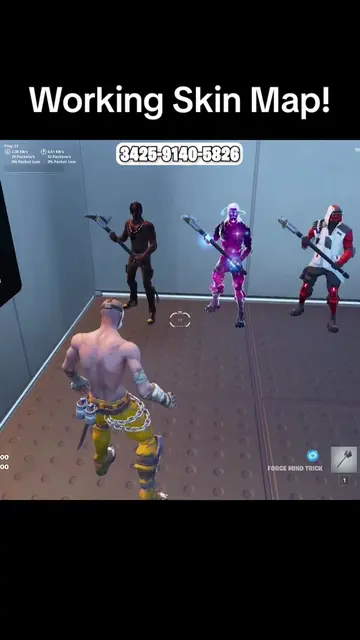
Provide the specific settings and map code to fix the issue
(a) Heroclick (the creator's custom Fortnite map/tool) ACTS: the video demonstrates how to use this specific map code to configure custom crosshairs, which is the core utility being sold. Removing this would change the entire purpose of the video. (b) Fortnite APPEARS: the game engine used to host the tool. Removing this would change the video, but it is the platform, not the product being sold.
Use Code “heroclick”
Custom Fortnite crosshair map for players who want to change their aim display
All time.
Outliers and viral hits: their videos on Overshot, all time.