Loading video…
Sound

original sound - creandoconjhonathan
Jhonathan · Original audio
0:00–:––
Playing this video’s own audio, so you’ll hear the creator over the sound.
The video provides a clear, step-by-step tutorial for a visually interesting effect, directly demonstrating the capabilities of the Insta360 camera and app, making it appealing to users interested in creative videography.
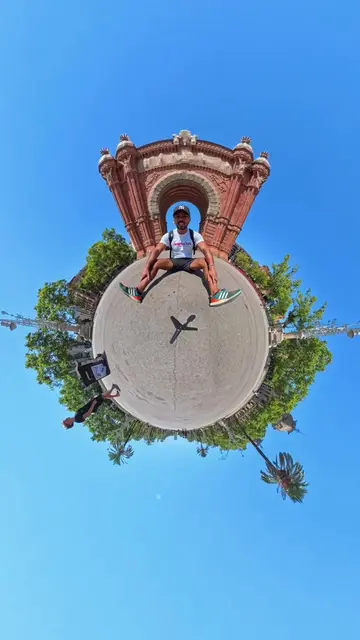
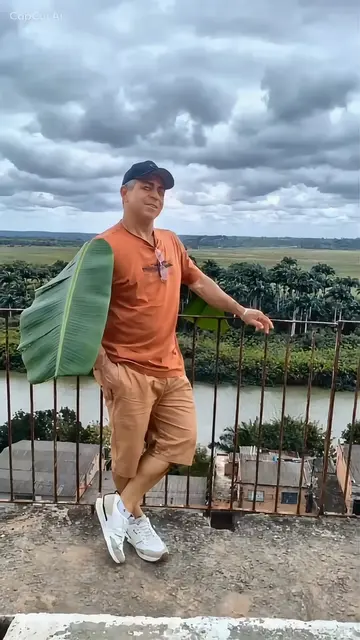
This video demonstrates how to create a "planet effect" using the Insta360 X5 camera and its companion app. It shows the process of setting the camera to video mode, walking in circles around it, and then using the app's editing features to apply the "tiny planet" effect before exporting the final video.
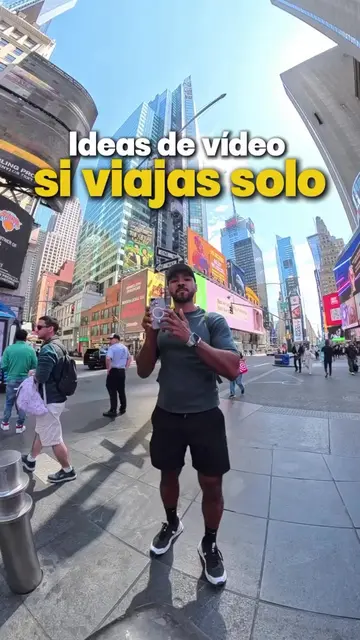
Tutorial efecto planeta con la insta 360X5. #videotutorial #insta360x5
Tutorial Efecto planeta Insta 360X5
Showcase the "planet effect" with Insta360 X5
Set camera to video mode
Walk in circles around the camera
Edit the video in the Insta360 app
Apply the "tiny planet" effect
Export the final video
Insta360 X5: ACTS - it is the camera used to film the video and its interface is operated to set the mode. Removing it would change what happens in the video. Insta360 App: ACTS - its interface is operated to connect the camera and edit the video. Removing it would change what happens in the video.
Export to Phone
Playing this video’s own audio, so you’ll hear the creator over the sound.
Promotes 6 products. Create free account to see more.
Outliers and viral hits: their videos on Overshot, all time.
Action cameras and camera accessories for creators and other video makers
Views and creators: posted in the last 30 days (English videos). Videos: all time.