Loading video…
Sound

original sound - _learnwith_me_
Tutor.com · Original audio
0:00–:––
Playing this video’s own audio, so you’ll hear the creator over the sound.
This video promotes it, but we haven’t matched it to a product page yet, so there are no product figures.
The video effectively targets students by providing a curated list of useful study apps, addressing a common need for organization and productivity tools. The clear on-screen text and concise descriptions make it easy to digest and share.
The video showcases six study apps that every student should have. It highlights Notion for planning and organization, Forest for focus, Focus town for collaborative study, YPT for tracking study hours, Quizlet for flashcards, and FreeNotes for handwritten notes and PDF annotation.
#Repost 📒 Notion – Plan your study schedule, organize notes, track goals, and create a personalized dashboard. Perfect for staying organized throughout the semester. ✍️ FreeNotes – Write handwritten notes, annotate PDFs, solve practice questions, and keep all your study material in one place. Great for tablet users. ⏱️ YPT (Yeolpumta) – Track your daily study hours, use focus timers, analyze your progress, and join study groups to stay accountable. 🧠 Quizlet – Create flashcards or use ready-made sets to memorize formulas, definitions, and vocabulary with quizzes and spaced repetition. 🏙️ FocusTown – Turn every distraction-free study session into progress by building your own virtual town. A fun way to stay motivated while focusing. 🌳 Forest – Plant a virtual tree before studying. If you leave the app, your tree dies—making it easier to avoid distractions and build deep focus. These apps won’t magically improve your grades—but they’ll help you stay organized, focused, and consistent. That’s what leads to better results. 📌 Save this for your next study session. 💬 Comment your favorite study app. 📤 Share this with a friend who needs a productivity upgrade. ❤️ Follow for more study tips and productivity hacks. #studygram #StudyTips #exam
6 study Apps Every Student Should Have
Introduction of the topic: 6 study apps for students
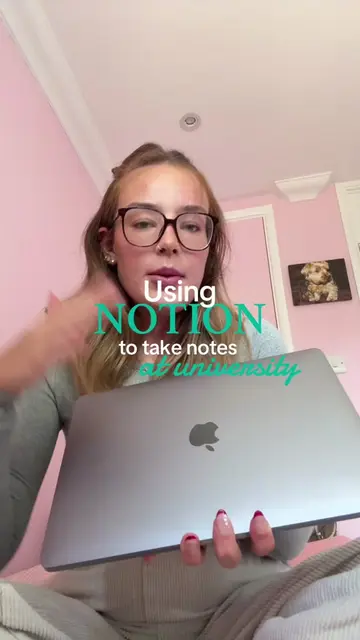
Showcase of Notion for notes, tasks, and planning
Showcase of Forest for focus and productivity
Showcase of Focus town for studying with friends
Showcase of YPT for tracking study hours and groups
Mention of Quizlet and FreeNotes for note-taking and flashcards
Notion: ACTS - its interface is operated to organize notes, tasks, and projects. Removing it would change what happens in the video. Forest: ACTS - its interface is operated to plant virtual trees and encourage focus. Removing it would change what happens in the video. Focus town: ACTS - its interface is operated to combine productivity with a virtual town-building experience. Removing it would change what happens in the video. YPT (Yeolpumta): ACTS - its interface is operated to record study hours, join study groups, and analyze progress. Removing it would change what happens in the video. Quizlet: ACTS - its interface is operated to create flashcards or use existing ones. Removing it would change what happens in the video. FreeNotes: ACTS - its interface is operated to write handwritten notes and annotate PDFs. Removing it would change what happens in the video.
Playing this video’s own audio, so you’ll hear the creator over the sound.
Outliers and viral hits: their videos on Overshot, all time.