Loading video…
All breakouts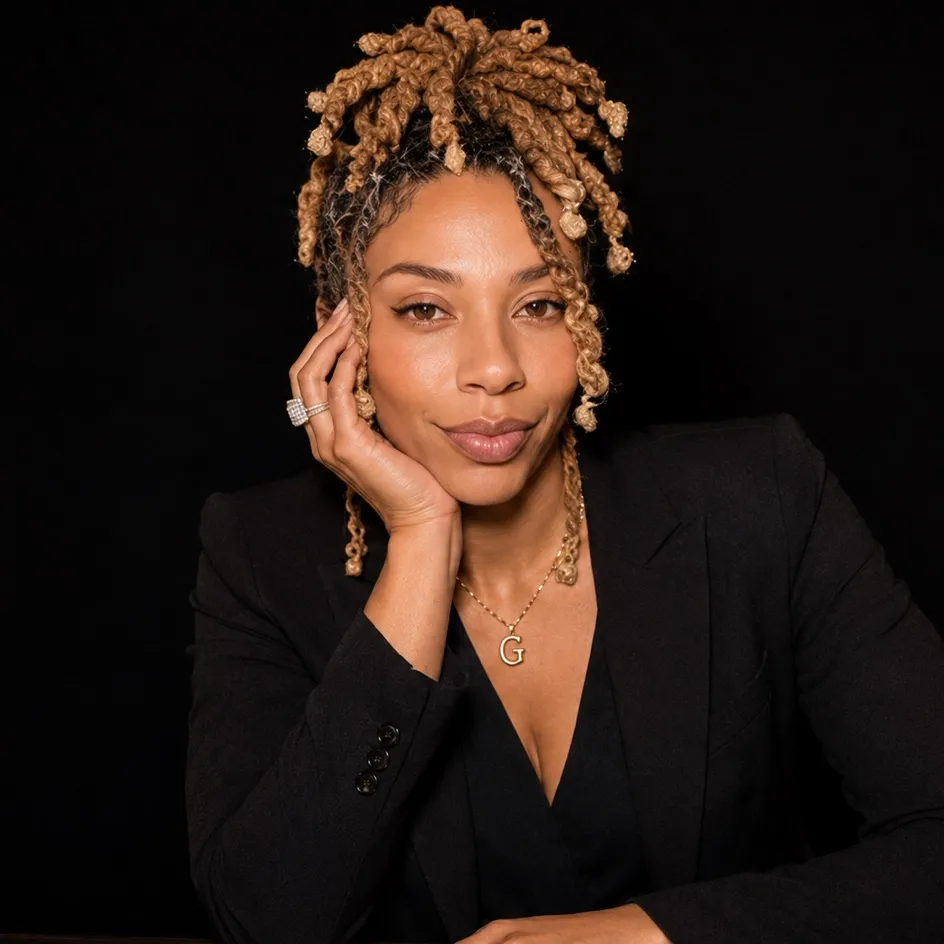
5.5Talking HeadDirect Question hookCreator Economy
Hook
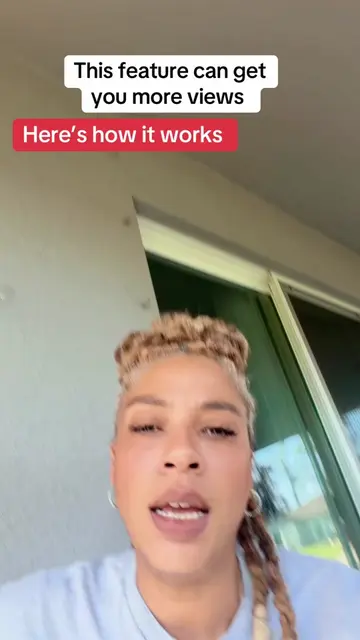
If you're not using the features that TikTok gave you,
@duvalbeautygoddess
163.6K followers · usually 1.2K views a post
Views
8.8K
Likes
397
Comments
98
Shares
95
Why it worked
The video provides a timely tutorial on a new platform feature, addressing a common creator pain point (low views) and offering a practical, actionable solution with clear instructions.
Summary
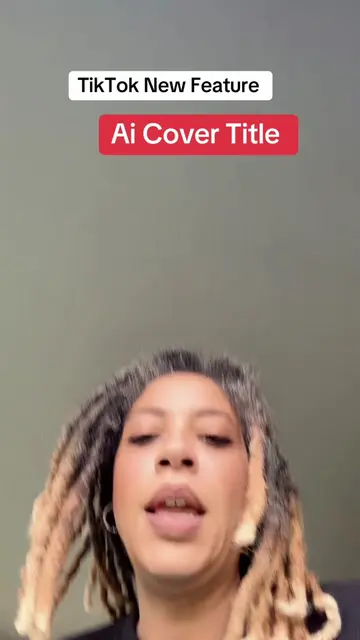
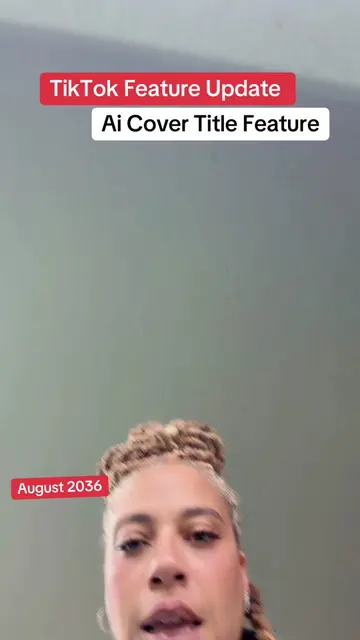
The creator explains how to use TikTok's new AI Cover Title feature, which automatically generates titles for videos using a still photo. They advise saving the feature for later use and applying it to stories rather than the main feed.
Structure
- 1Introduce the problem of low views and hint at a solution.
- 2Announce the new TikTok AI Cover Title feature.
- 3Explain the requirement for a still photo, not a live photo.
- 4Guide the user to find and select a title from the AI suggestions.
- 5Instruct to post the video to stories, not the feed.
Product placement
TikTok: ACTS - a social media platform that allows users to create and share videos. Removing it would change the video's subject. It is the platform on which the feature is being demonstrated.
Call to action
Save this so you're ready. When it hits your account. Put this on your story. You're welcome.
On-screen text
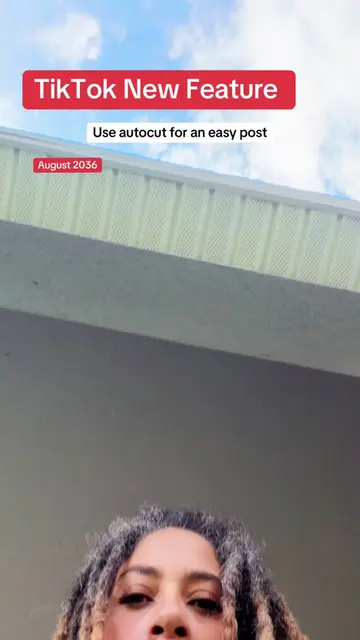
TikTok New Feature
July 2036
Ai Cover Title Feature
Original caption
Tiktok cover title feature tutorial. Not everyone has this yet, but it's rolling out.Save this so you're ready.When it hits your account. #covertitle #newfeature #tiktoktips #smallcreators
More from @duvalbeautygoddess
More breakout videos from this creator.