Loading video…
All breakouts
97.5Talking HeadOther hookCreator Economy
Hook
The new update
@pames.jawl
144.6K followers · usually 9.9K views a post
Views
421.0K
Likes
4.1K
Comments
270
Shares
261
Why it worked
The video addresses a common user pain point (a moved feature) and provides a clear, step-by-step tutorial. It leverages the platform's native tools and encourages user-generated content by prompting viewers to create their own tutorials.
Summary
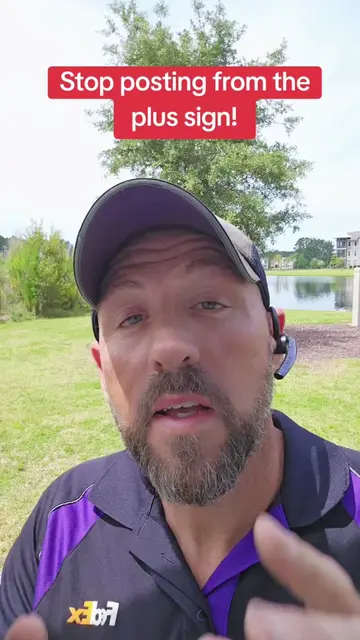
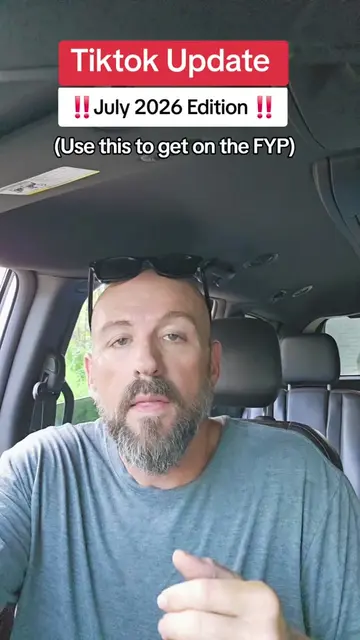
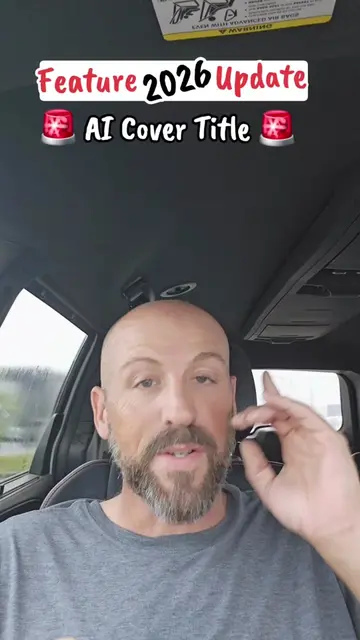
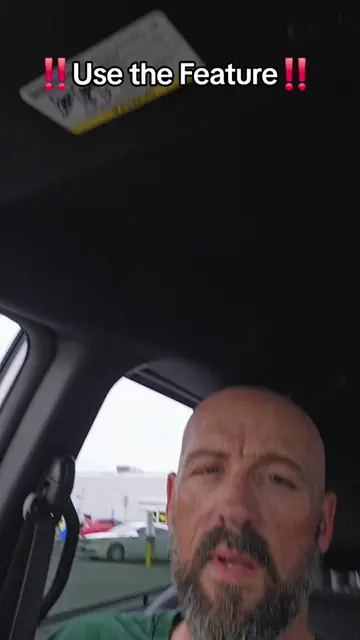
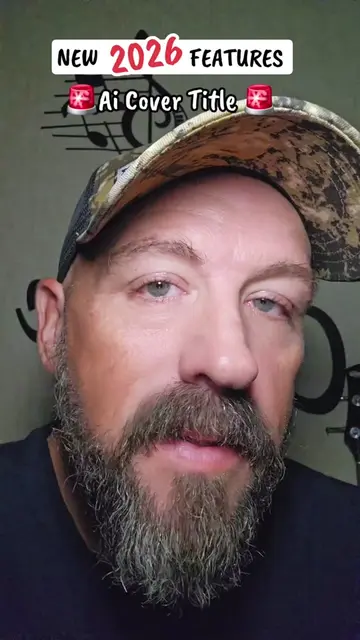
This video explains how to find and use the AI cover title feature on TikTok, which has recently been moved. It guides viewers through the steps of creating a post, selecting a photo, and accessing the AI title generator.
Structure
- 1Announce update and feature location change
- 2Explain how to access the feature via the plus button
- 3Select a photo and tap the text icon
- 4Locate and use the AI title generation tool
- 5Post to story and encourage others to share
Product placement
TikTok: Acts - a social media platform where users can create and share videos. The video demonstrates how to use a feature within the TikTok app. Removing it would change the video's content and purpose.
Call to action
Go make a video telling other people how to do it. Try it out. Show me some love. Hit my buttons and follow me for daily TikTok tips.
On-screen text
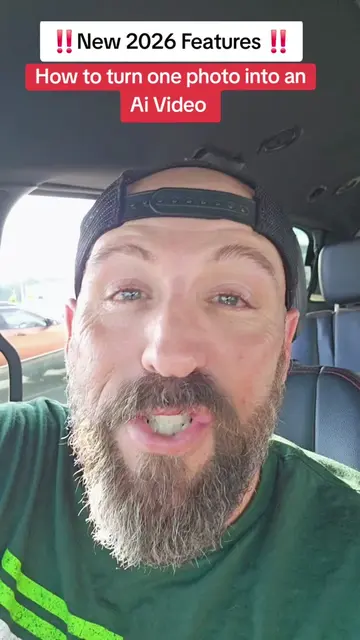
!! New 2026 Update !!
The Ai Cover Title has moved
Do you have this Feature?
Original caption
Tutorial included. The New Ai cover tilte has moved. If you have this feature use it! #newfeature #tiktokgrowth #tiktoktips #tiktokupdate #smallcreator
More from @pames.jawl
More breakout videos from this creator.