Loading video…
All breakouts
278Talking HeadOther hookCreator Economy
Hook
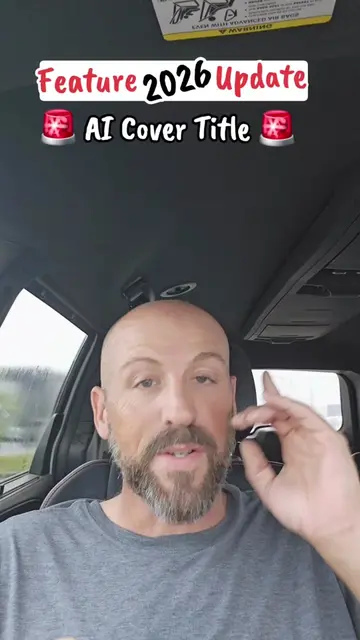
NEW 2026 FEATURES Ai Cover Title
@pames.jawl
166.9K followers · usually 1.5K views a post
Views
1.0M
Likes
7.6K
Comments
437
Shares
528
View velocity
+15.6K views over 9.0d · ~1.7K/day · 8 observations
Why it worked
The video provides a clear, step-by-step tutorial on a new and potentially viral feature within a popular platform, directly addressing creators' desire for growth and engagement.
Summary
The video demonstrates a new "Ai Cover Title" feature on TikTok, guiding viewers on how to use it to create engaging content. It explains the steps involved in selecting a photo, applying the AI cover title, and posting it to their story.
Structure
- 1Introduction of new TikTok feature
- 2Demonstration of how to access the feature
- 3Selecting a photo and applying the AI cover title
- 4Leaving TikTok's suggested sound
- 5Posting to story and engaging with the audience
Product placement
TikTok (app): It is used to create and upload videos, and it has a new feature called "Ai Cover Title". Removing it would change what happens in the video.
Call to action
Follow me for daily TikTok tips.
On-screen text
NEW 2026 FEATURES
Ai Cover Title
Original caption
Use the new Ai Cover Title Feature to boost your views #newfeature #smallcreator #tiktokupdate #tiktokgrowth #tiktoktips
More from @pames.jawl
More breakout videos from this creator.