Loading video…
All breakouts
 CapCutseen in 576 videos →
15.9App DemoOther hook
Hook
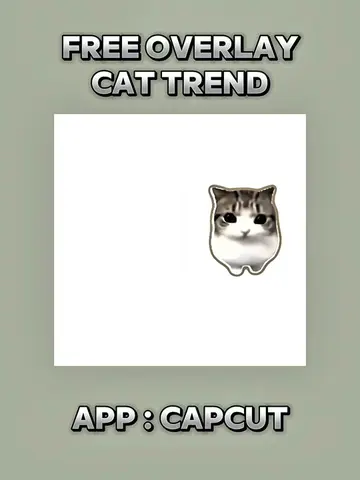
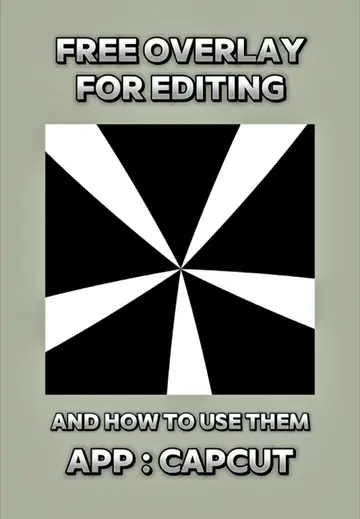
FREE OVERLAY FOR EDITING
@hamproject016
114.3K followers · usually 21.3K views a post
Views
323.5K
Likes
16.3K
Comments
169
Shares
3.4K
Selling · SaaS › Other SaaS
Why it worked
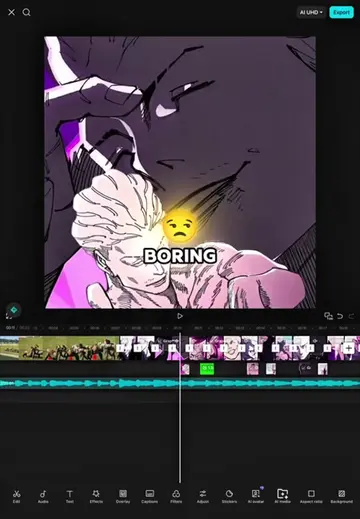
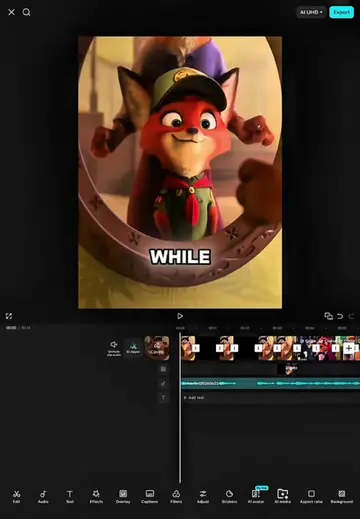
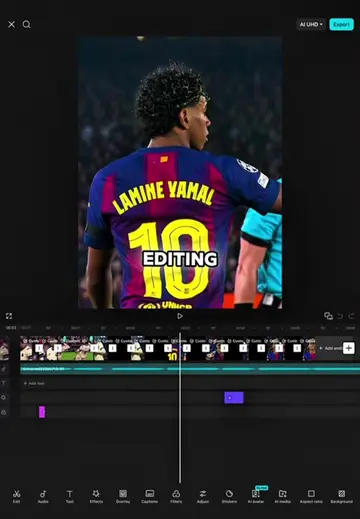
The video provides a clear, step-by-step tutorial on how to use free editing overlays, which is a common need for content creators. By showing practical application within a popular editing app (CapCut), it offers immediate value and encourages viewers to try the techniques themselves.
Summary
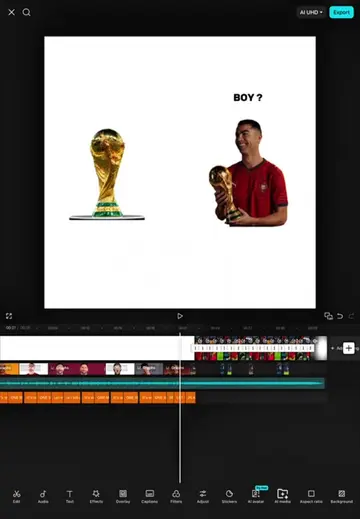
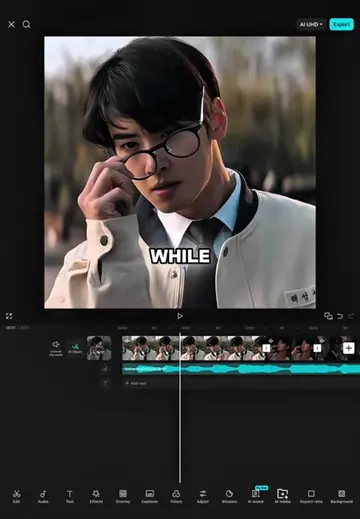
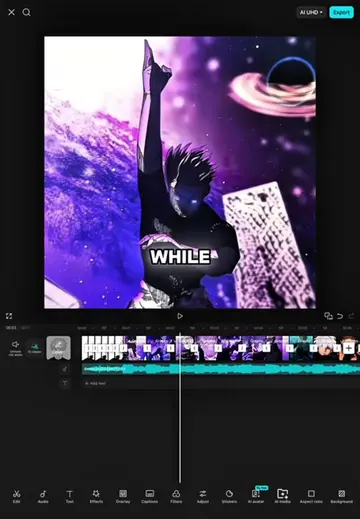
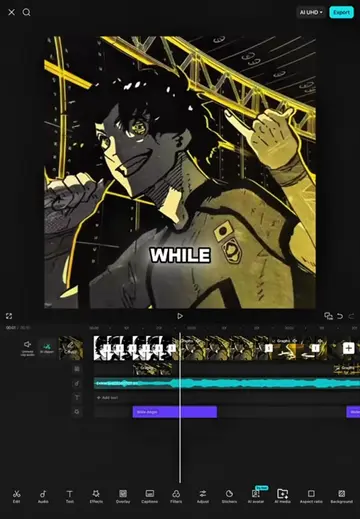
This video demonstrates how to use a free overlay for editing in CapCut. It covers adding the overlay, adjusting its volume and speed, and applying effects like chroma key and wide angle to achieve a desired visual style.
Structure
- 1Add overlay and set volume to zero
- 2Split and trim the overlay
- 3Adjust speed and zoom
- 4Position overlay and use chroma key
- 5Apply effects and adjust settings
- 6Show final results
Product placement
The video demonstrates editing techniques using the CapCut app, specifically focusing on adding and manipulating overlays and applying effects.
Original caption
Free Overlay For Editing ( And How To Use Them ) #CapCut #capcutpioneer #capcuttutorial #overlay #fyp
More from @hamproject016
Their other posts in the index, biggest breakout first.