Loading video…
Sound

original sound - みつき | AI活用
みつき | AI活用 · Original audio
0:00–:––
Playing this video’s own audio, so you’ll hear the creator over the sound.
The video addresses a common user concern about data privacy and provides actionable steps to mitigate risks. The use of clear on-screen text and a direct demonstration makes the information easy to follow and implement.
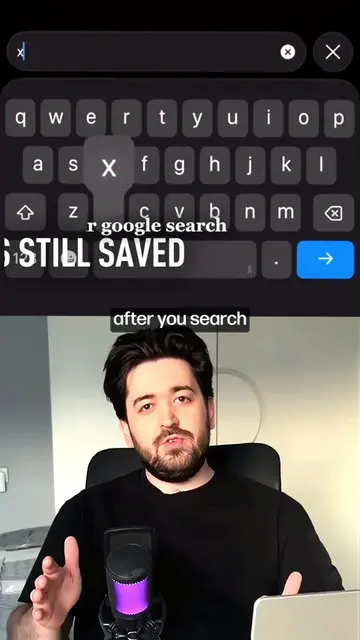
This video explains how to adjust Google's privacy settings to prevent your voice and photos from being leaked. It guides viewers through turning off 'Search service history' and 'Web & app activity' within their Google account settings.
Google設定見直してる?👀 確認したいポイント👇 ✅ Googleアカウント ✅ データとプライバシー ✅ マイアクティビティ ✅ 検索サービス履歴 ✅ メディアを保存 ✅ ウェブとアプリのアクティビティ 設定を一度確認しておくと安心です😊 今回紹介した設定や便利機能もまとめています。 みつきをフォローしてチェックしてみてください。 #Google #スマホ便利術 #iphone
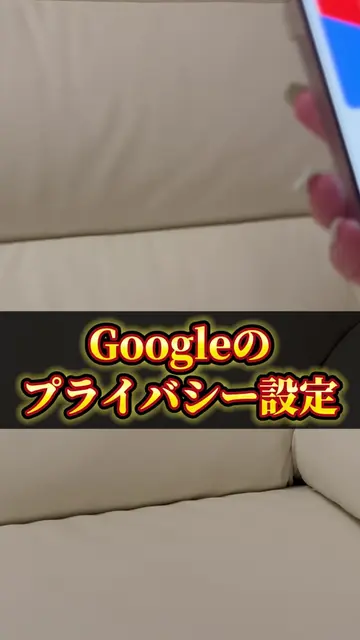
Googleのプライバシー設定
Introduction to Google privacy settings
Warning about potential data leakage
Step-by-step guide to adjust settings
Turning off 'Search service history'
Turning off 'Web & app activity'
Call to action to follow and check for more tips
Google (acts - its privacy settings are being adjusted, which affects user data and privacy. Removing it would change the video's purpose.) Gmail (appears - its logo is shown on the phone screen, but it is not directly interacted with or its functionality is not demonstrated.)
みつきをフォローして こちらからチェック!
Playing this video’s own audio, so you’ll hear the creator over the sound.
Promotes 1 product. Create free account to see more.
Outliers and viral hits: their videos on Overshot, all time.
Google account settings for managing privacy and activity data
All time.