Loading video…
All breakouts
11.2Talking HeadWarning hookEducation
Hook
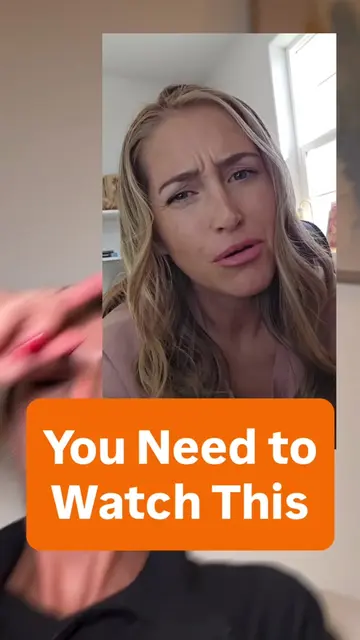
If you have a Google account.
@cybersecuritygirl
623.6K followers · usually 3.0K views a post
Views
40.3K
Likes
1.5K
Comments
16
Shares
300
Why it worked
The video addresses a common privacy concern related to a widely used platform (Google), providing actionable steps that viewers can easily follow. The creator's expertise and clear instructions make the content valuable and shareable.
Summary
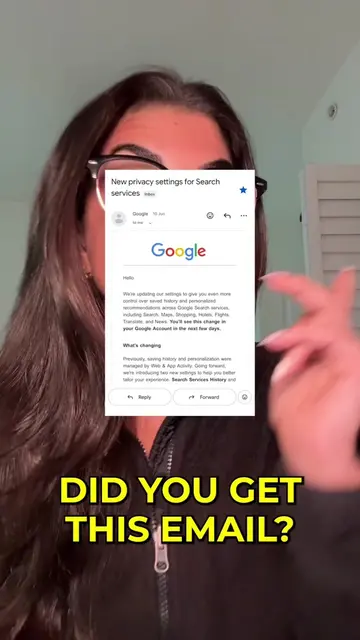
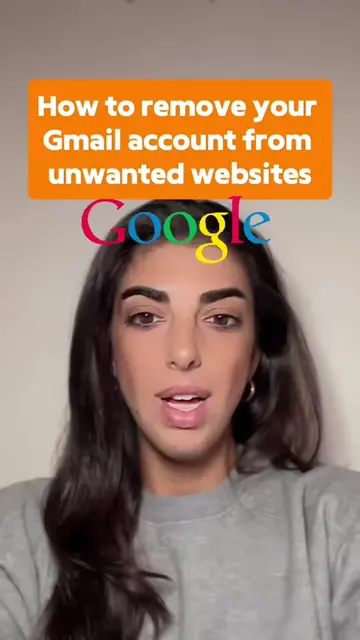
This video explains how to disable Google's data collection settings to protect your privacy. It guides viewers to their Google activity controls to turn off features like "Save Media" and "Web and App Activity" to prevent Google from storing their searches, photos, and voice recordings.
Structure
- 1Introduction to Google data collection
- 2Explaining what data is collected
- 3Navigating to Google activity controls
- 4Disabling specific data collection settings
- 5Setting a reminder for future checks
- 6Call to action to save, share, and follow
Product placement
Google (acts: provides account services, collects user data, and offers privacy controls; removing it would fundamentally change the video's topic and instructions)
Google Lens (appears: shown as an icon, but not actively used or demonstrated in the video)
Cybersecurity Girl (appears: creator's handle and name are displayed, but it's attribution, not a product being sold)
Call to action
go to myactivity.google.com/activitycontrols, tap it and turn off Save Media, uncheck Web and App Activity, uncheck Voice Audio and Visual Search History, set a reminder to go back in 2 or 3 weeks, save this post, send this to someone who uses Google Lens or voice search, follow Cybersecurity Girl
Original caption
If you have a Google account. You need to watch this Go to https://myactivity.google.com/search-services/settings on your phone or computer. Sign in to your Google account if needed. Turn off the Save Media toggle. This hasn’t been rolled out for everyone yet, so if you can’t see it, be sure to save this post and set a reminder on your calendar to come back in a few weeks to check again. Follow @cybersecuritygirl for more online privacy tips
More from @cybersecuritygirl
More breakout videos from this creator.