Loading video…
Sound

original sound - tiktokai730
れんのTikTok×AIラボ · Original audio
0:00–:––
Playing this video’s own audio, so you’ll hear the creator over the sound.
This video promotes it, but we haven’t matched it to a product page yet, so there are no product figures.
The video provides practical, easily applicable tips for a widely used platform, making it highly shareable and valuable to a large audience. The concise, visual demonstration of each feature caters to short-form content consumption habits.
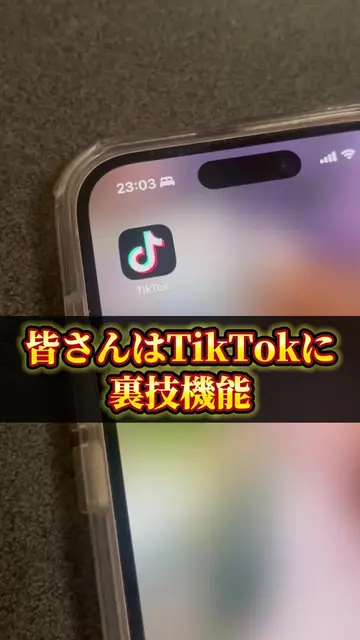
This video showcases 6 lesser-known TikTok features and tricks to enhance user experience. It demonstrates how to use two-finger gestures for full-screen viewing, adjust playback speed, enable auto-scrolling, utilize picture-in-picture for multitasking, and access quick comment reactions and viewing history.
【🚨TikTok裏技】9割が知らない便利機能6選 このショートでは、TikTokの便利機能・裏技・時短テクニックを6つまとめて紹介しています。 2本指で全画面表示にする方法、動画を倍速で見る方法、自動スクロール機能、ピクチャーインピクチャーでLINEをしながら視聴する方法、共有ボタンやコメントの便利な操作、さらに検索から視聴履歴を確認する方法まで、すぐに使える内容だけを厳選しました。 TikTokをもっと快適に使いたい方や、TikTokの新機能・便利機能・裏ワザを探している方はぜひ最後までご覧ください。
知らんと恥かく
Introduction to TikTok tips
Full-screen and speed adjustments
Auto-scrolling and hands-free viewing
Picture-in-picture for multitasking
Quick comment reactions and re-posting
Accessing viewing history
Call to action to follow for more tips
TikTok (app): a social media platform for short-form videos. It ACTS as the platform where the video's tips are demonstrated. Removing it would change what happens in the video. LINE (app): a messaging app. It APPEARS as a secondary app that can be used while watching TikTok. Removing it would not change what happens in the video.
フォロー
Playing this video’s own audio, so you’ll hear the creator over the sound.
Outliers and viral hits: their videos on Overshot, all time.