Loading video…
Sound

original sound - eddiedl28
Eddie's DL · Original audio
0:00–:––
Playing this video’s own audio, so you’ll hear the creator over the sound.
The video taps into a common gamer desire to use preferred input devices (keyboard and mouse) on a console, offering a practical demonstration and addressing potential concerns like input delay, making it relatable and informative for a niche audience.
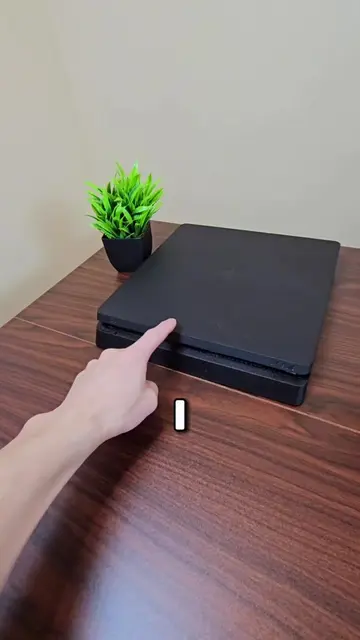
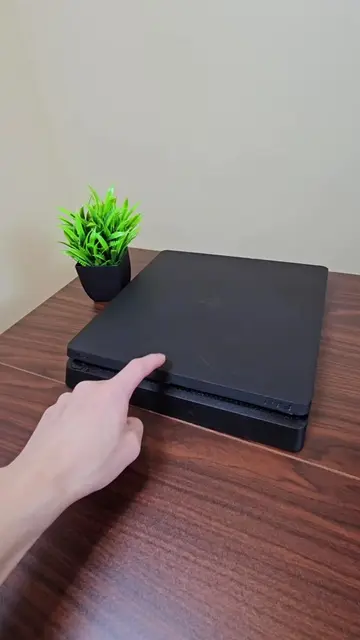
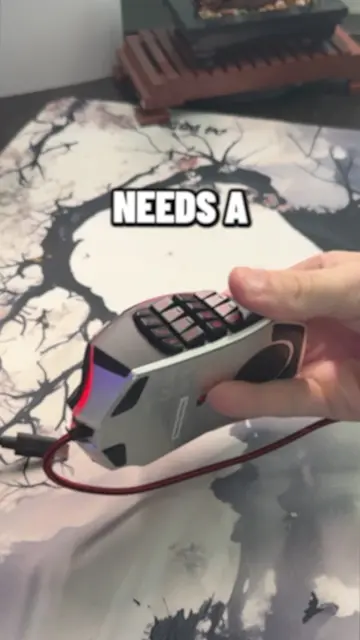
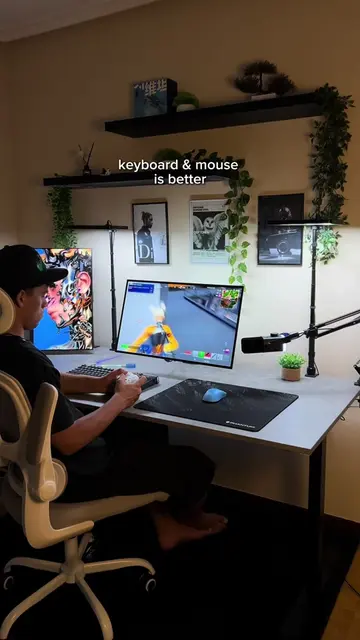
The video demonstrates how to connect a keyboard and mouse to a PS4 console to play games. It shows the process of plugging in the peripherals and then displays gameplay from Fortnite and Call of Duty, highlighting that the experience is still decent despite some input delay.
Playing Keyboard and Mouse on PS4... 😳 #ps4 #ps4slim #playstation #mnk #console
I TRIED
Connecting keyboard and mouse to PS4
PS4 recognizing peripherals
Playing games with keyboard and mouse
Discussing input delay
Asking viewers about their experience
Logitech mouse (appears, ACTS - used to control PS4 interface and games, removing it would change what happens in the video). PS4 (appears, ACTS - the console being used to play games, removing it would change what happens in the video). Keyboard (appears, ACTS - used to control PS4 interface and games, removing it would change what happens in the video). Call of Duty (appears - a game title on screen, removing it would not change what happens in the video). Fortnite (appears - a game title on screen, removing it would not change what happens in the video).
Playing this video’s own audio, so you’ll hear the creator over the sound.
Promotes 1 product. Create free account to see more.
Outliers and viral hits: their videos on Overshot, all time.
Tech Specs — The power behind PS4 and PlayStation 4 Pro.
All time.