Loading video…
Sound

Siri Ma Siri Remix Maniac Tracks
Maniac Tracks · Original audio
0:00–:––
Playing this video’s own audio, so you’ll hear the creator over the sound.
The video demonstrates the creative potential of the CapCut app by showcasing various filters and editing techniques, appealing to users looking for ways to enhance their own video content.
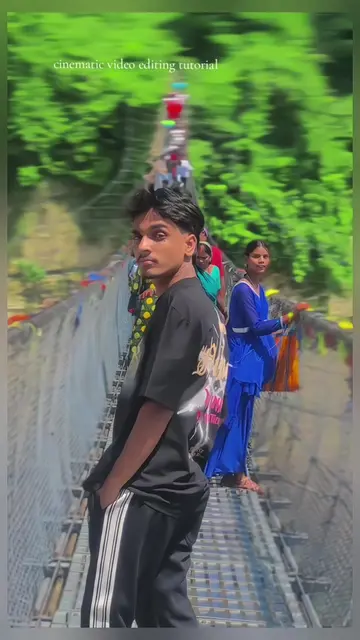
The video shows a person walking and posing outdoors, with on-screen text indicating "wait for editing." The creator then uses the CapCut app to apply various filters and adjustments, including "dymce blur," "black flash," and "vintage" effects, before exporting the final edited video.
wait for video editing tutorial 💗🔥#fypシ #viral_video #video #editing #tutorial
Wait for editing
Person walking and posing outdoors
Applying 'dymce blur' filter
Adjusting color, glow, and intensity
Searching for and applying 'black flash' and 'vintage' filters
Exporting the edited video
CapCut: it ACTS as a video editing application, allowing the user to apply filters, adjust settings, and export the final video. Removing it would change what happens in the video.
Playing this video’s own audio, so you’ll hear the creator over the sound.
Promotes 1 product. Create free account to see more.
Outliers and viral hits: their videos on Overshot, all time.
Video editing app for creators making social media videos
Views and creators: posted in the last 30 days (English videos). Videos: all time.