Loading video…
Sound

original sound - eminenceofficial21
Eminence · Original audio
0:00–:––
Playing this video’s own audio, so you’ll hear the creator over the sound.
We didn’t find a product being promoted in this video. Its hook, format and structure below still show why it took off.
Browse products winning on TikTokThe video addresses a common and frustrating problem (PC crashes) with a practical, actionable solution using a built-in tool. The clear, step-by-step demonstration and concise explanation make it highly shareable and useful.
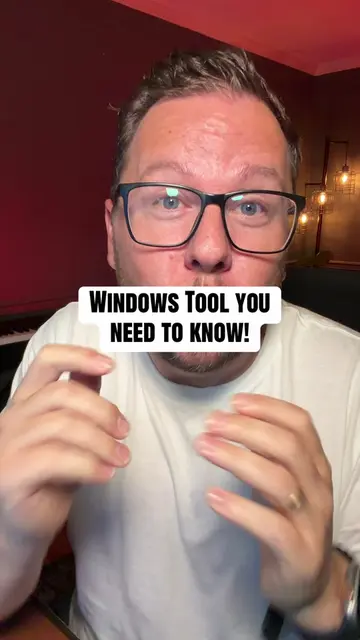
This video explains how to use the built-in Reliability Monitor tool in Windows to diagnose the exact cause of PC crashes. It shows how to access the tool, interpret the crash graph, and identify whether a driver issue or a recently installed application is the culprit.
PC keeps crashing? This hidden Windows tool reveals the exact cause! #windowstips #windowtool #windowcrash #fyp
Okay so your
PC crashing and not understanding why
Introducing Windows Reliability Monitor
Accessing and viewing the crash graph
Identifying the cause of the crash
Troubleshooting driver or application issues
Windows (operating system): ACTS - The video demonstrates how to use a built-in tool within Windows to diagnose crashes. Removing it would change the video's content. Windows 11 (operating system): APPEARS - Logo shown on screen, but the video is about a feature of Windows in general, not specifically Windows 11. Removing it would not change the video's content.
Playing this video’s own audio, so you’ll hear the creator over the sound.
Promotes 11 products. Create free account to see more.
Outliers and viral hits: their videos on Overshot, all time.