Loading video…
Sound

original sound - robinrafan
RobinRafan · Original audio
0:00–:––
Playing this video’s own audio, so you’ll hear the creator over the sound.
Hook
Posted Jul 31, 2026Video · 1:59by @robinrafan
The video addresses a common fear among mobile users (hacking and data theft) and provides a clear, actionable solution within the phone's native settings. The demonstration is easy to follow, and the creator emphasizes the importance of the feature, making it highly relevant and useful for the target audience.
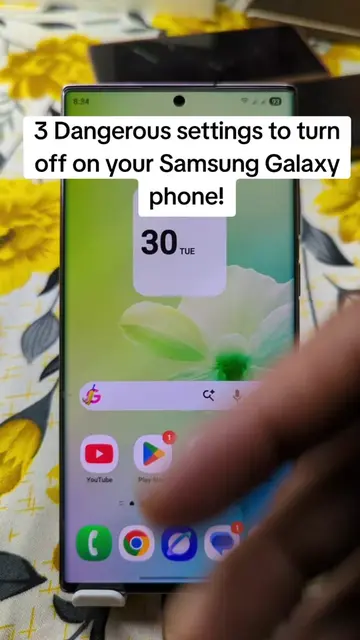
The video demonstrates how to enable 'App protection' on an Android phone to safeguard against malware and hackers. It explains that this feature, often disabled by default, scans apps for suspicious activity and is powered by McAfee.
মোবাইল থেকে হ্যাকার চিরতরে বিদায় করার উপায়। #RobinRafan #appprotection #android
আপনার মোবাইল থেকে হ্যাকার চিরতরে বিদায় করার উপায়।
Introduction to mobile security risks
Explaining the importance of 'App protection'
Navigating to Device Care settings
Locating and enabling 'App protection'
Scanning the phone for threats
The video shows how to navigate through the Android settings menu to find and enable 'App protection', which is a feature powered by McAfee.
Share the video with all Android users and follow the creator.
Playing this video’s own audio, so you’ll hear the creator over the sound.
Promotes 6 products. Create free account to see more.
Outliers and viral hits: their videos on Overshot, all time.
Android security feature that scans apps for suspicious activity
All time.