Loading video…
Sound

original sound - mondrryyn
ᴍᴏɴᴅʀʀʏɴ• · Original audio
0:00–:––
Playing this video’s own audio, so you’ll hear the creator over the sound.
We didn’t find a product being promoted in this video. Its hook, format and structure below still show why it took off.
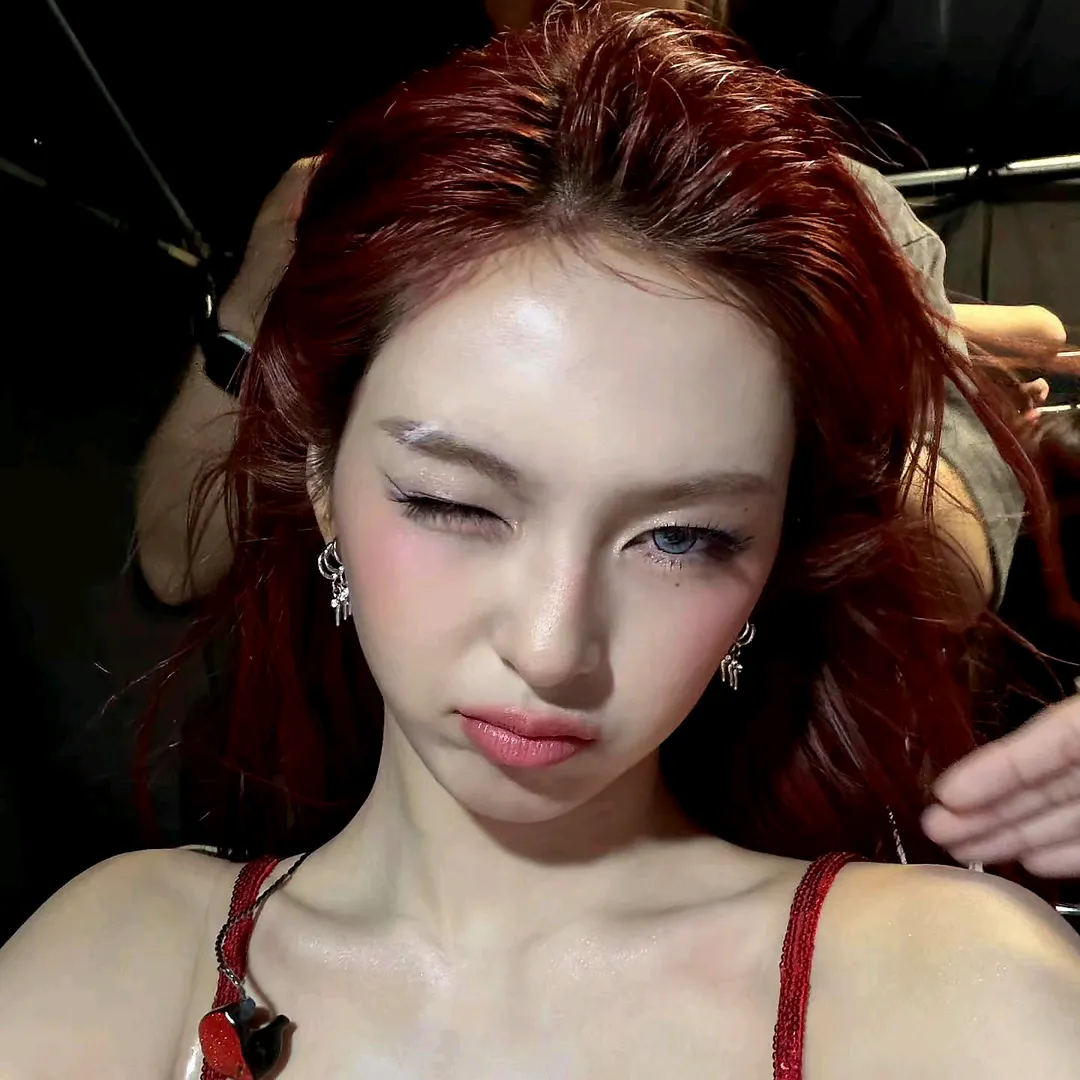
Browse products winning on TikTokThe video likely performed well due to its clear, step-by-step tutorial format for a popular video editing technique (velocity edits) within the K-pop fan editing community, combined with visually engaging content featuring popular aesthetics.
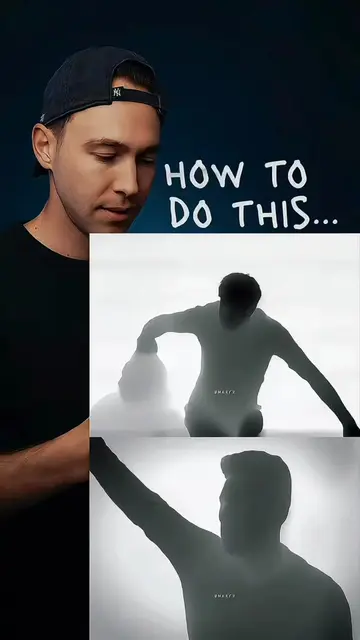
This video provides a tutorial on how to create a velocity edit, demonstrating five steps: adding a clip, adding a twixtor effect, adding zoom, adding shake and effect, and adding CC. The video concludes by showing the final result of the edit.
I'm obsessed with this! #babymonster #베이비몬스터 #babymonsteredit #edit #kpop #cgt🎼 #jangmisq
TUTORIAL FOR VELOCITY EDIT
Introduction to velocity edit tutorial
Step 1: Add clip
Step 2: Add twixtor
Step 3: Add zoom
Step 4: Add shake and effect
Step 5: Add CC
Show result
Playing this video’s own audio, so you’ll hear the creator over the sound.
Outliers and viral hits: their videos on Overshot, all time.