Loading video…
Sound

original sound - coco_created1
Coco|Video editor🤎 · Original audio
0:00–:––
Playing this video’s own audio, so you’ll hear the creator over the sound.
We didn’t find a product being promoted in this video. Its hook, format and structure below still show why it took off.
Browse products winning on TikTokThe video provides a clear, step-by-step tutorial for a popular video editing effect, making it easily replicable for viewers interested in enhancing their content.
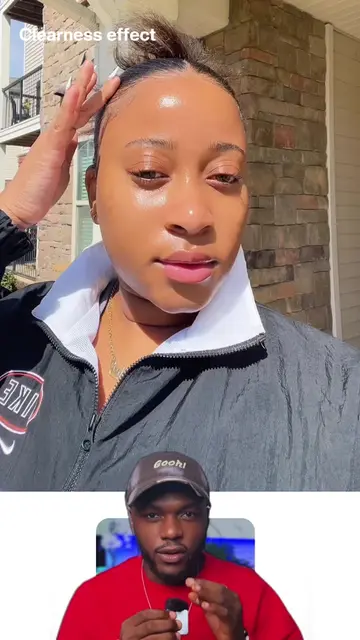
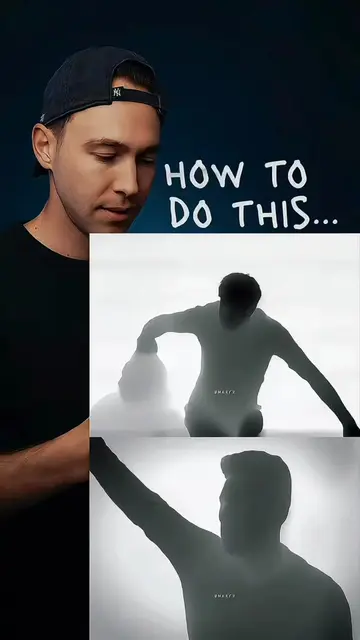
This video demonstrates how to create a "morph effect" in video editing using CapCut. The creator walks through the steps of adding two clips, exporting, re-importing, and applying motion blur with specific settings to achieve the desired effect.
Here’s how to do the morph effect, you can do this as transitions in between your videos, you’re welcome #viralvideo #videoedit #videoeditor #fyp
The Morph Effect
Introduce the morph effect
Explain the process of creating the effect
Add and export clips
Apply motion blur with specific settings
Apply the effect and show the result
Playing this video’s own audio, so you’ll hear the creator over the sound.
Promotes 1 product. Create free account to see more.
Outliers and viral hits: their videos on Overshot, all time.