Loading video…
All breakouts
40.5App DemoHow-To hookConsumer Apps
Hook
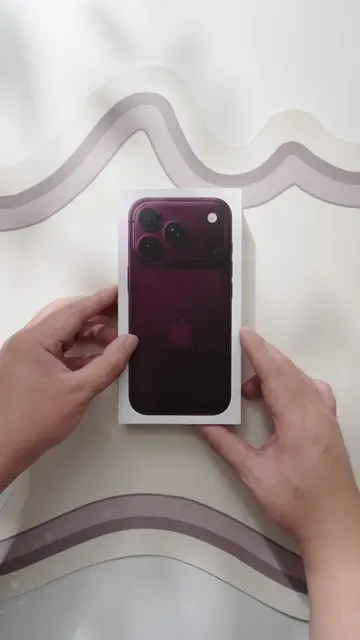
Refresh iPhone 17
@esrtech.global
99.4K followers · usually 6.3K views a post
Views
226.0K
Likes
5.5K
Comments
22
Shares
138
Why it worked
The video provides a clear, step-by-step visual guide for applying phone accessories, which is a common and relatable need for many smartphone users. The use of a hypothetical 'iPhone 17' adds a touch of novelty and intrigue, while the ESR branding is consistently present, reinforcing brand recognition.
Summary
The video demonstrates how to apply an ESR screen protector and camera lens protector to an iPhone, followed by applying an ESR magnetic case. The process involves cleaning the phone, carefully aligning and applying the protectors and case.
Structure
- 1Removing old case and cleaning iPhone
- 2Applying screen protector
- 3Applying camera lens protector
- 4Applying magnetic case
- 5Final product showcase
Product placement
ESR ARMORITE SCREEN PROTECTOR: it ACTS - it is applied to the iPhone screen to protect it. Removing it would change what happens in the video.
ESR ARMORITE CAMERA LENS PROTECTOR: it ACTS - it is applied to the iPhone camera lenses to protect them. Removing it would change what happens in the video.
ESR CLOUD SERIES MAGNETIC CASE: it ACTS - it is shown and applied to the iPhone. Removing it would change what happens in the video.
On-screen text
Refresh
iPhone 17
Original caption
Refresh my iphone17 lavender #refresh #iphone17 #lavendar #iphonecase #iphonescreenprotector
More from @esrtech.global
More breakout videos from this creator.