Loading video…
Sound

original sound - Textura Agency
Textura Agency · Original audio
0:00–:––
Playing this video’s own audio, so you’ll hear the creator over the sound.
Hook
Posted Aug 1, 2026Video · 0:21by @textura.us
This video promotes it, but we haven’t matched it to a product page yet, so there are no product figures.
The video effectively showcases a rapid, seemingly effortless method for website creation, appealing to users looking for quick and impressive results. The use of a clear "how-to" format combined with a direct call to action for more resources (the prompt link) encourages engagement.
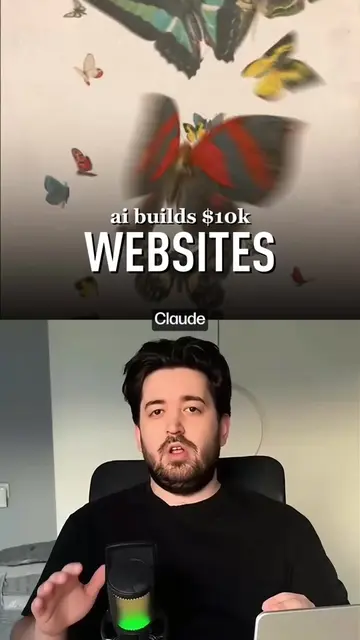
This video demonstrates how to create websites in 5 minutes using Opus 5, an AI builder, and prompts from Getlayers. It shows the process of copying a prompt from Getlayers and pasting it into an AI builder to generate a website.
✍🏼 Drop «Prompt» in the comments and I’ll send you the link to the prompts for this Website A new habit has emerged with AI. People judge the tool by the first generation. If the result is average — they assume AI is bad. But no one judges Photoshop by the first brush stroke. And no one evaluates Figma by an empty frame. So why should AI be any different? Professionals don’t get strong results because they use some secret model. They simply don’t start from scratch. They already have a library of prompts, proven solutions, and finished projects that are constantly being refined. Every new project becomes better than the previous one because knowledge isn’t lost — it turns into a system. That’s why we’re not just building a collection of prompts. We’re building a library of projects where every piece has gone through dozens of iterations. Instead of wasting time searching for the right wording, you start from a proven foundation and immediately focus on what actually matters — creating something unique. How it works: 1. Log into the platform. 2. Copy a highly refined prompt—think of it as a strict filter that cuts out 99% of useless AI garbage. 3. Get the working 3D framework or interaction 1:1. 4. Refine the details to fit your project—saving you days of endless, aimless prompt tweaking. 📩 DM me «Project» to collaborate. #webdesign
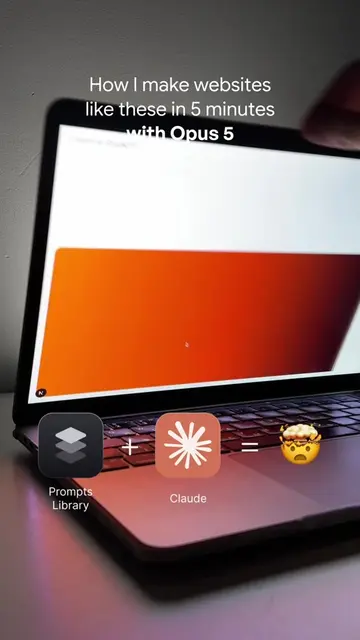
How I make websites like these in 5 minutes with Opus 5
Showcase of websites made with Opus 5
Introduction of the tools: Prompts Library, Claude, and Opus 5
Demonstration of finding and copying a prompt from Getlayers
Pasting the prompt into an AI builder
Final website generation and call to action
Opus 5 (ACTS - it is the AI builder used to generate websites, removing it would change what happens in the video); Claude (ACTS - it is the AI model used in conjunction with Opus 5, removing it would change what happens in the video); Getlayers (ACTS - it is a website where prompts are found and copied, removing it would change what happens in the video); Prompts Library (APPEARS - it is a label for an icon, removing it would not change what happens in the video); Fromzero (ACTS - it is a specific prompt that is copied and used, removing it would change what happens in the video)
Comment "Prompt" for the link
Playing this video’s own audio, so you’ll hear the creator over the sound.
Outliers and viral hits: their videos on Overshot, all time.