Loading video…
All breakouts
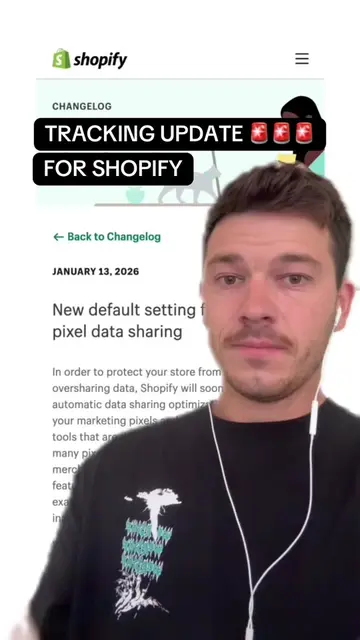
3.9Talking HeadSocial Proof hookEcommerce
Hook
Add social proof to your Shopify checkout
@james.reu
3.5K followers · usually 1.6K views a post
Views
6.0K
Likes
294
Comments
3
Shares
85
Promoted product
RAVEN
Why it worked
The video provides a practical, actionable solution to a common e-commerce problem (low conversion rates) by showing a simple, visual method to implement social proof. It leverages the creator's own experience and a readily available AI tool, making it accessible to a wide audience.
Summary
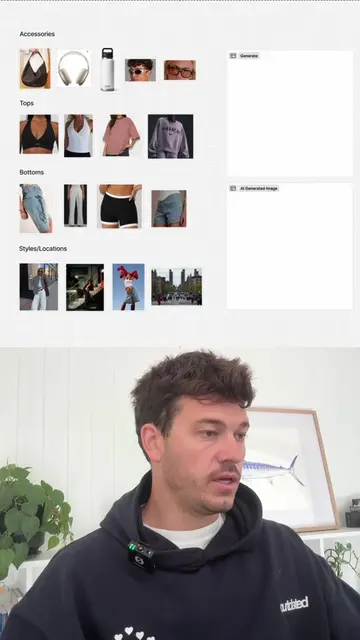
This video demonstrates how to add social proof elements, such as star ratings and a money-back guarantee, to a Shopify checkout page. It shows how to use an AI tool like Raven to generate these assets and then how to implement them within the Shopify customizer to potentially increase conversion rates.
Structure
- 1Introduce the problem: low conversion rates due to lack of social proof.
- 2Show an example of a Shopify store with social proof.
- 3Explain how to create social proof assets using an AI tool (Raven).
- 4Demonstrate how to upload and replace the logo with the created asset in Shopify.
Original caption
Update your Shopify checkout with social proof, guarantees etc #shopify #ecommercetips #shopifysmallbusiness #shopifystore #dropshippingtips
More from @james.reu
More breakout videos from this creator.