Loading video…
Sound

original sound - Teachpreneur
Teachpreneur · Original audio
0:00–:––
Playing this video’s own audio, so you’ll hear the creator over the sound.
We didn’t find a product being promoted in this video. Its hook, format and structure below still show why it took off.
Browse products winning on TikTokThe video provides a quick and easy solution to a common problem faced by TikTok users (low engagement on picture posts) by demonstrating a built-in feature (AutoCut) that automates content creation, making it highly shareable and actionable.
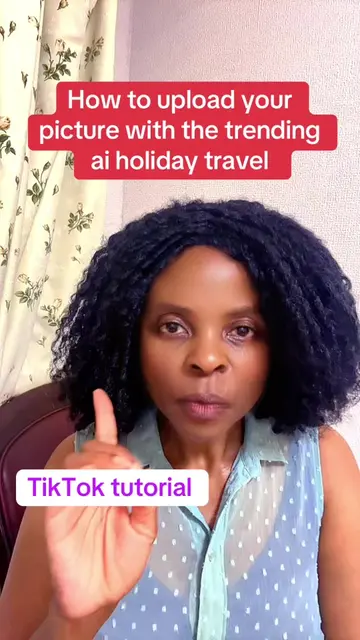
This TikTok tutorial demonstrates how to use the AutoCut feature to create engaging video clips from pictures, aiming to increase views and engagement. The process involves uploading a picture, selecting AutoCut, choosing a template, and then posting the generated video.
How to upload your pictures the right way #autocut #tiktoktutorial #viraltrend
Post your pictures the right way
Introduce the problem of low engagement on picture posts.
Explain the solution: using AutoCut for better results.
Navigate to the TikTok profile and initiate a new post.
Select a picture to upload.
Utilize the AutoCut feature and choose a template.
Post the generated video to stories or the page.
TikTok (app): It is the platform where the user is posting pictures and creating videos. Removing it would change what happens in the video. AutoCut (feature): It is a feature within TikTok that automatically edits pictures into a video clip. Removing it would change what happens in the video.
Playing this video’s own audio, so you’ll hear the creator over the sound.
Promotes 1 product. Create free account to see more.
Outliers and viral hits: their videos on Overshot, all time.