Loading video…
Sound

original sound - pames.jawl
James Paul TikTok Growth · Original audio
0:00–:––
This video promotes it, but we haven’t matched it to a product page yet, so there are no product figures.
The video provides a quick and easy tutorial for a useful feature within a popular app, addressing a common creator need (turning photos into videos) with minimal effort. The clear, step-by-step instructions and the promise of automated editing make it highly shareable and practical.
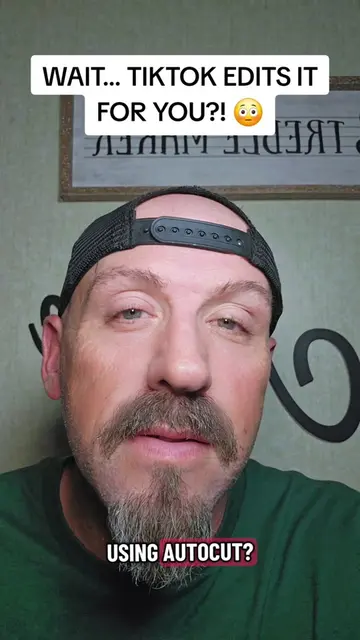
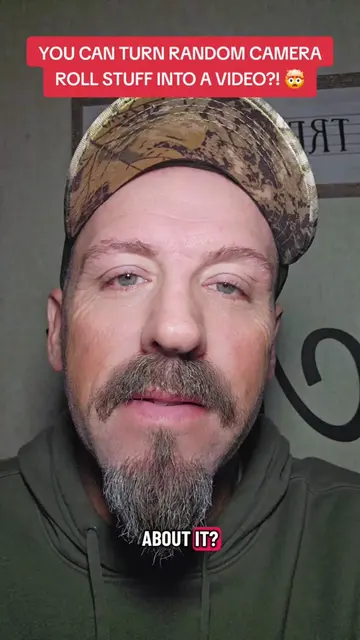
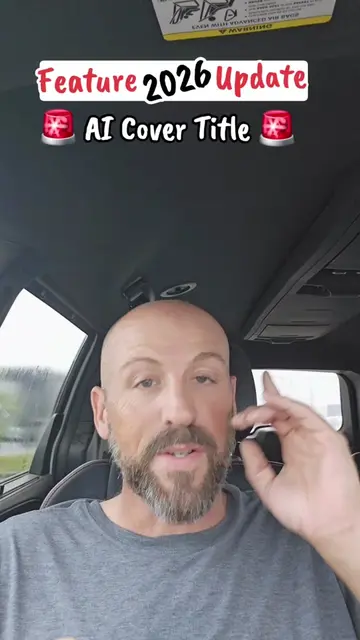
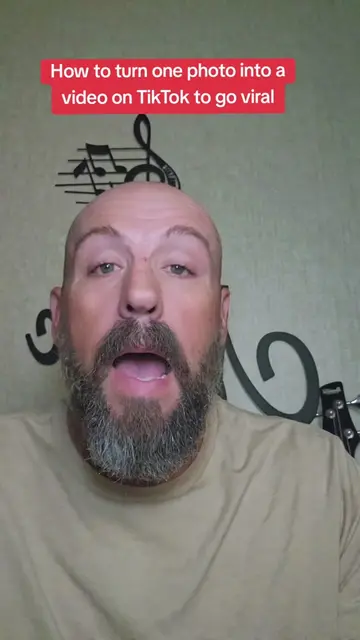
This video demonstrates how to use TikTok's AutoCut feature to automatically turn a selection of photos into a video. The creator explains the simple steps involved, from selecting photos to choosing a template, highlighting that the app handles editing, transitions, and music.
Turn your photos into a TikTok video in just a few taps TikTok’s AutoCut can add transitions, effects, timing, and music for you! Save this tutorial for later and comment “AUTOCUT” if you try it. 👇 #TikTokTips #TikTokTutorial #AutoCut #TikTokFeatures #ContentCreation
Turn Photos into a TikTok Video with AutoCut
Introduction to AutoCut feature
Step 1: Open TikTok and tap the plus button
Step 2: Select photos
Step 3: Tap AutoCut
Step 4: Choose a template/style
Finalizing and posting the video
TikTok: (a) it ACTS - it is a social media platform used to create and share videos. Removing it would change what happens in the video. AutoCut: (a) it ACTS - it is a feature within TikTok that automatically turns photos into videos. Removing it would change what happens in the video.
Comment "AUTOCUT" and then come back and know what you think. Follow me for more TikTok tutorials and features that actually make creating content easier!
Promotes 5 products. Create free account to see more.
Outliers and viral hits: their videos on Overshot, all time.