Loading video…
All breakouts
 CapCutseen in 576 videos →
5.8App DemoHow-To hook
Hook
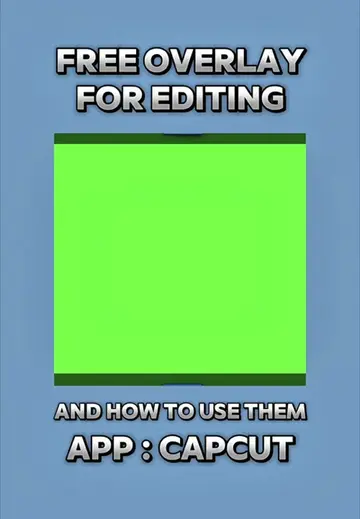
FREE OVERLAY FOR EDITING
@hamproject016
114.3K followers · usually 21.3K views a post
Views
116.8K
Likes
6.5K
Comments
247
Shares
1.1K
Selling · SaaS › Other SaaS
Why it worked
The video provides a clear, step-by-step tutorial on using a popular editing app (CapCut) with free assets (overlays), catering to a common user need for enhancing video aesthetics.
Summary
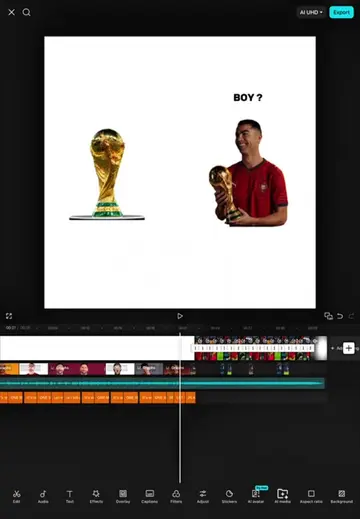
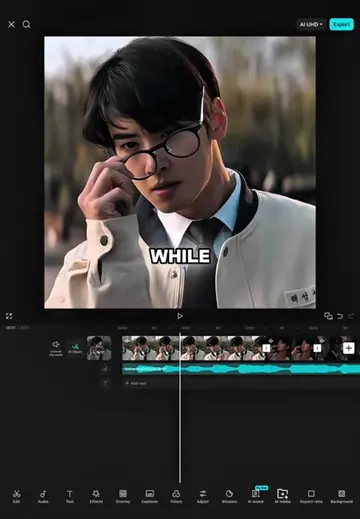
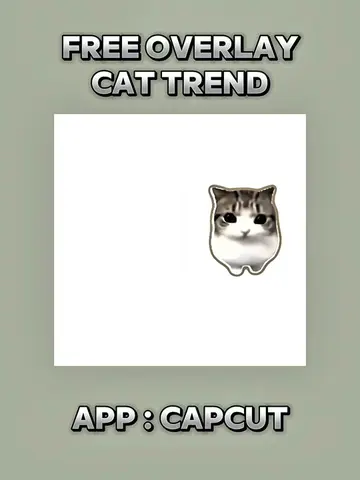
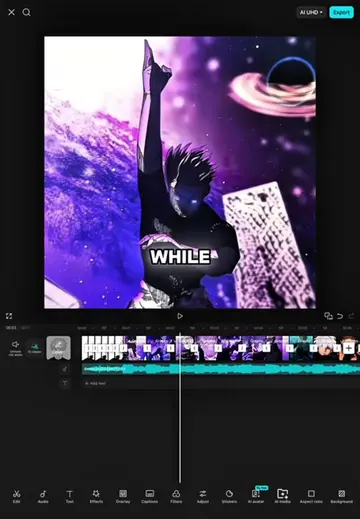
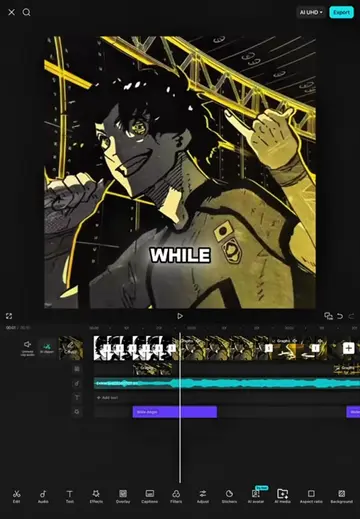
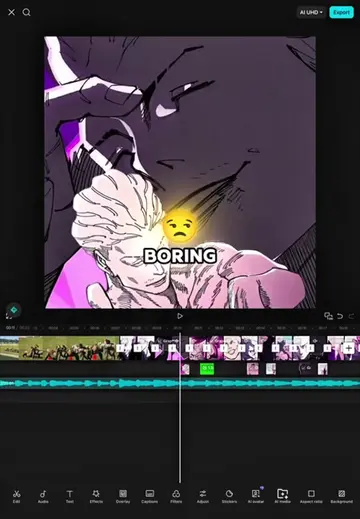
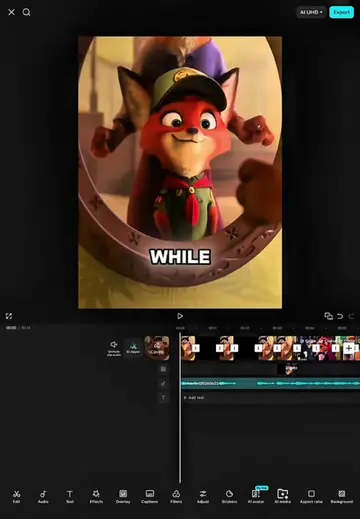
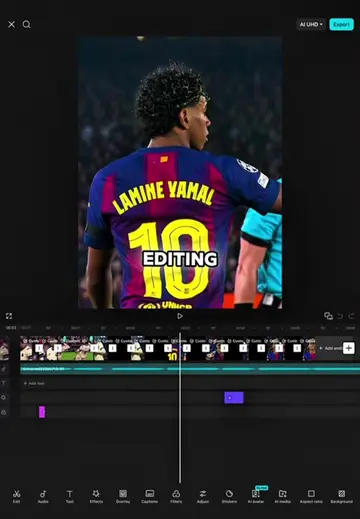
This video demonstrates how to use free overlays for video editing within the CapCut app. It guides viewers through adding, splitting, deleting, and adjusting overlays to fit their projects.
Structure
- 1Introduce free overlays and CapCut
- 2Add and split overlay
- 3Delete unnecessary parts and adjust volume/speed
- 4Position and zoom overlay
- 5Apply filter and show results
Product placement
CapCut: video editing app. It ACTS as the tool used to create the video. Removing it would change what happens in the video.
On-screen text
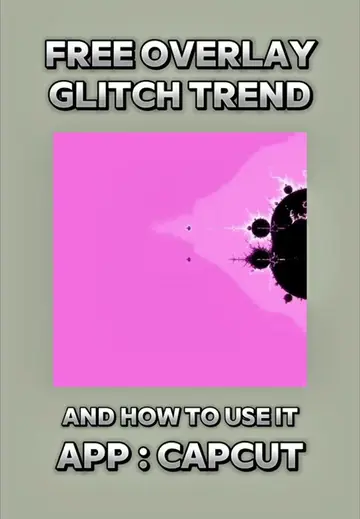
FREE OVERLAY
FOR EDITING
AND HOW TO USE THEM
APP : CAPCUT
SO
CUT
PROJECT
SELECT
YOU
CHOOSE
THEN
OVERLAY
DID
OF
DON'T
NEED
SET
ZERO
TO
SELECT
DURATION
SECONDS
THE
IN
UNTIL
SCREEN
GO
SELECT
FOR
SINCE
A
RESULTS
Original caption
Free Overlay For Editing (And How To Use Them ) #CapCut #capcutpioneer #capcuttutorial #overlay #fyp
More from @hamproject016
Their other posts in the index, biggest breakout first.