Loading video…
All breakouts
3.5Talking HeadOther hookConsumer Apps
Hook
monthly Phone refresh
@alliemariedigital
150.8K followers · usually 10.3K views a post
Views
34.8K
Likes
2.7K
Comments
31
Shares
43
Promoted product
iPhone refresh
Why it worked
The video taps into the popular trend of phone customization and aesthetic "refreshes," appealing to users who enjoy personalizing their devices. The clear, step-by-step instructions and visually pleasing results make it easily replicable and shareable.
Summary
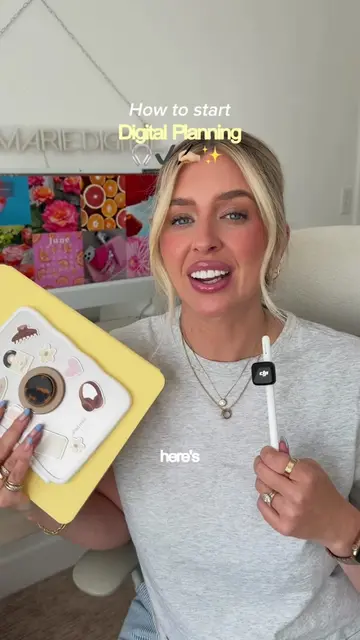
The video shows a step-by-step process of refreshing an iPhone's aesthetic for August. It involves swapping phone cases, customizing the wallpaper and widgets, and adjusting app icon colors and sizes to match a desired vibe.
Structure
- 1Swap phone case
- 2Customize wallpaper and clock
- 3Update background photo
- 4Refresh photo widgets
- 5Customize app icons
Product placement
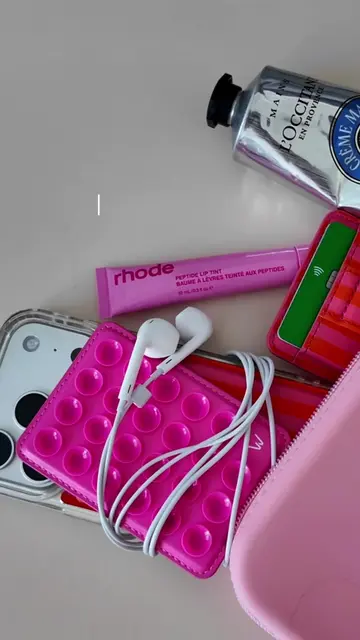
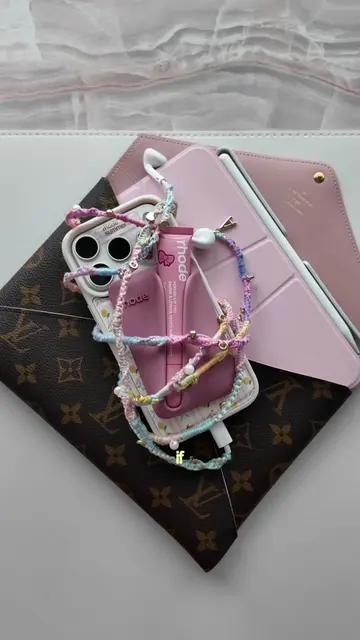
rhode skin snap on lip case: ACTS - it is shown attached to the phone case and the lip balm is inserted into it. Removing it would change the visual of the phone setup. (incidental to the main action, but part of the setup).
iPhone 17 Pro case: ACTS - it is shown being swapped onto the phone, and the phone is displayed with it. Removing it would change the visual of the phone setup. (incidental to the main action, but part of the setup).
Velvet Caviar: APPEARS - it is mentioned in the caption as the brand of the iPhone 17 Pro case. Removing it would not change what happens in the video, but would remove brand attribution.
Widgetsmith: ACTS - it is used to customize widgets on the iPhone. Removing it would change the functionality of the phone setup shown.
Pinterest: APPEARS - it is mentioned as the source of the photos used in the widgets. Removing it would not change what happens in the video, but would remove source attribution.
Original caption
A little August iPhone Refresh 🤩 customizing the color of the tinted icons brings it alllll together at the end 🤌🏼 iPhone 17 Pro case is @Velvet Caviar @rhode skin snap on lip case I use Widgetsmith for the photo widgets with pics from Pinterest #iphone #iphone17pro #iphonerefresh #iphonecase #widgets
More from @alliemariedigital
More breakout videos from this creator.