Loading video…
Sound

original sound - nintendo_music
Nintendo Music · Original audio
0:00–:––
- Videos using it
- 12
- Creators
- 12
- Views on those videos
- 1.8M
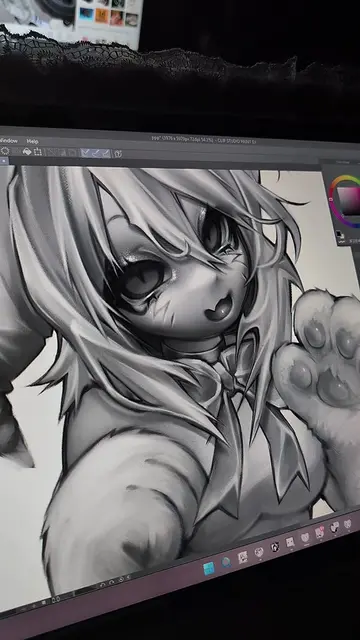
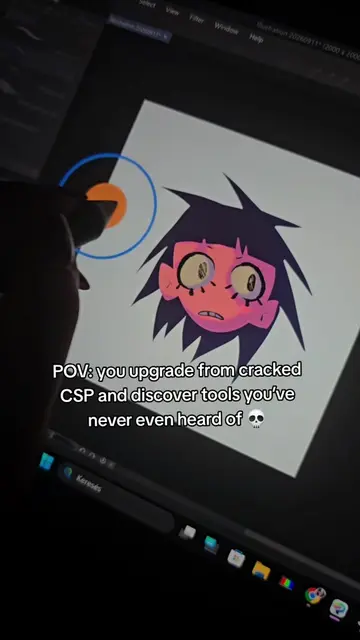
The video provides practical, actionable tips for a popular digital art software, Clip Studio Paint. By demonstrating specific features and workflows, it offers immediate value to artists looking to improve their efficiency and creative process, making it highly shareable within the digital art community.
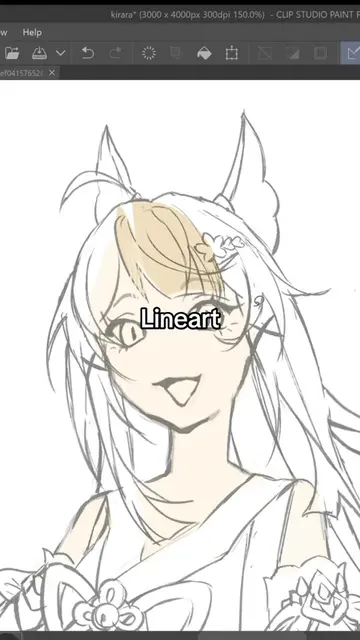
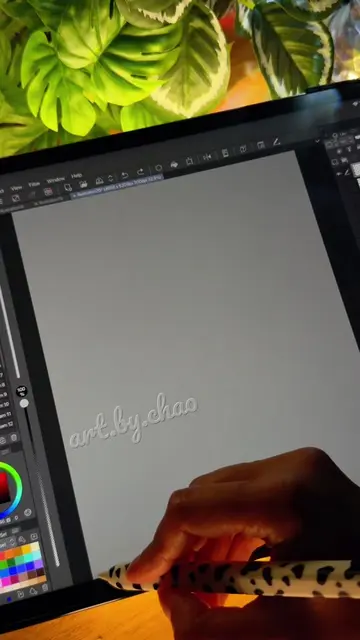
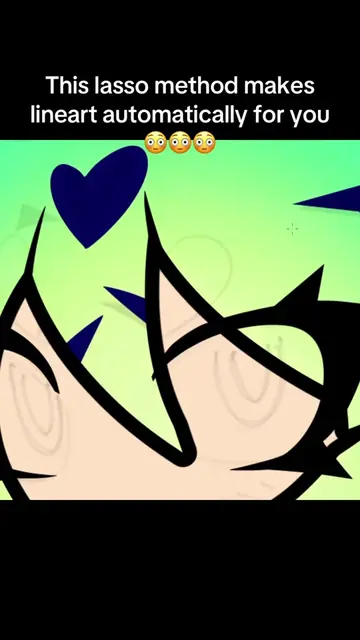
This video demonstrates five tips and tricks for using Clip Studio Paint more efficiently. It covers converting 3D objects into line art, applying filters, working with vector layers, changing background colors, and organizing brush groups. The tutorial aims to help users speed up their digital art workflow.
🎨Parte 3 DIBUJA MUCHO MÁS RÁPIDO EN CLIP STUDIO 💨✨ Tercera parte de esta serie para ahorrar tiempo a la hora de trabajar con Clip Studio. #digitalart #clipstudio #arttips #drawingtips
Vamos allá con otros 5 trucos
Introduction to Clip Studio Paint tips
Converting 3D objects to line art
Using filters and vector layers
Customizing brushes and backgrounds
Conclusion and call to action
Clip Studio Paint (ACTS): software de dibujo y pintura digital que permite crear arte digital. Se utiliza para dibujar, pintar, y aplicar filtros y efectos a las imágenes. El video muestra cómo convertir objetos 3D en capas de línea, cómo usar filtros de efecto, cómo crear y modificar capas de vectores, cómo cambiar el color del fondo, y cómo crear y organizar grupos de pinceles. Clip Studio Paint PRO (APPEARS): Versión específica del software de dibujo y pintura digital. Su aparición es un detalle técnico en la interfaz, no afecta a la acción del video.
Decídmelo en los comentarios y recordad seguirme para muchos más
Promotes 1 product. Create free account to see more.
Outliers and viral hits: their videos on Overshot, all time.
Digital drawing and painting software for illustrators, comic artists, and animators
All time.