Loading video…
Sound

Beat Hip Hop Melody Sampled
AvikTheCria
0:00–:––
- Videos using it
- 21
- Creators
- 21
- Views on those videos
- 3.5M
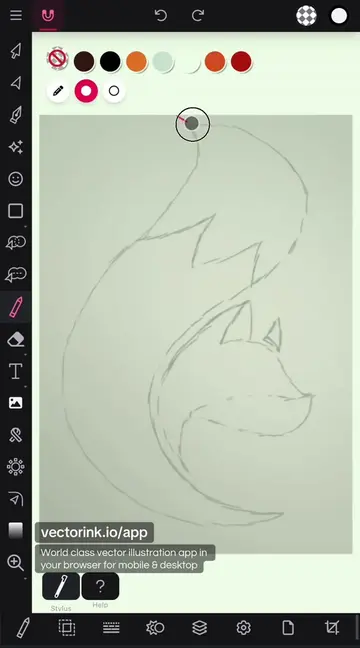
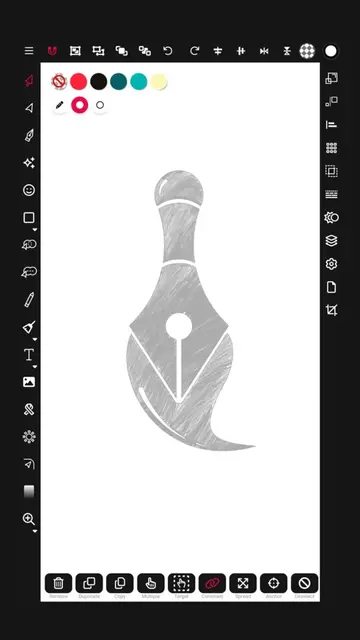
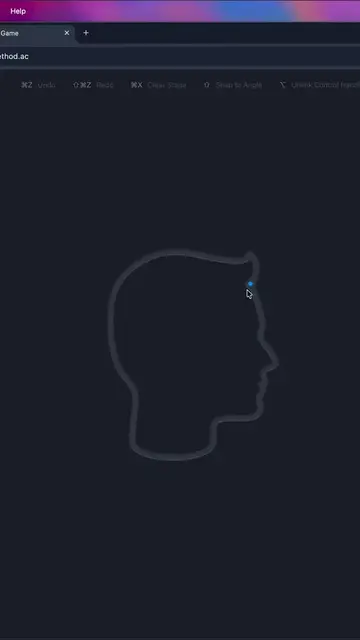
The video effectively showcases the capabilities of the Vector Ink app through a clear and concise demonstration of logo creation. The visual appeal of the design process and the final product, combined with the readily available URL, likely drove engagement and interest.
The video demonstrates the Vector Ink app, showing how to create a stylized 'S' logo using various design tools. It highlights features like the draw tool, shape builder, gradient tool, and object manipulation to create a visually appealing graphic.
S letter logo design with draw tool in the Vector Ink web app. #GraphicDesign #VectorArt #DesignTutorial #designprocess #vectorink
vectorink.io/app
Drawing the initial 'S' shape
Filling the shape with a gradient
Applying a gradient to the background
Adjusting object layers and properties
Finalizing the logo design
Vector Ink (ACTS - it is the app being used to create the graphic, and its interface is visible and operated. Removing it would change what happens in the video). vectorink.io/app (APPEARS - it is a URL displayed on screen, but it does not ACT. Removing it would not change what happens in the video).
Outliers and viral hits: their videos on Overshot, all time.
Online vector design and illustration editor for graphic designers
All time.