Loading video…
Sound

Central Cee
yagobeats
0:00–:––
- Videos using it
- 33
- Creators
- 27
- Views on those videos
- 2.4M
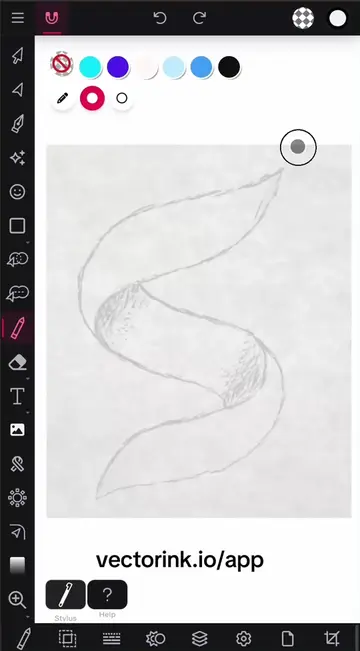
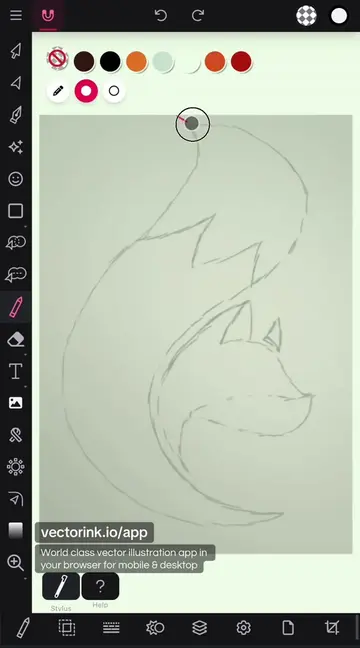
The video effectively showcases the capabilities of the Vector Ink software through a clear and concise demonstration of logo design. The use of on-screen tool names and the final branding at the end make it clear what product is being used and promoted.
This video demonstrates the process of designing a logo using the Vector Ink software. The creator uses various tools like the rectangle, line, circle, shape builder, and pen tools to construct and refine the logo, which appears to be a stylized pen nib combined with a brush stroke. The final design is then presented with the "Penbrush" and "Vector Ink" branding.
Pen + Paint brush logo design process #vectorink #vectorart #designprocess #graphicdesign #logodesign
Pen + Paint brush logo design process
Selecting design tools
Drawing basic shapes
Refining the logo shape
Applying stroke and path adjustments
Finalizing the logo with branding
Vector Ink: ACTS - The interface is operated to create a logo design. Removing it would change what happens in the video. Penbrush: APPEARS - This is the name of the logo being designed and is displayed at the end of the video. Removing it would not change what happens in the video. Vector Ink: APPEARS - This is the name of the creator/studio and is displayed at the end of the video. Removing it would not change what happens in the video.
Outliers and viral hits: their videos on Overshot, all time.
Online vector design and illustration editor for graphic designers
All time.