Loading video…
Sound

original sound - timeasocol
Timea Socol · Original audio
0:00–:––
Playing this video’s own audio, so you’ll hear the creator over the sound.
The video provides a concise and visually appealing tutorial on a popular video editing technique, leveraging a well-known app (CapCut) to create a desirable visual effect that many users would want to replicate.
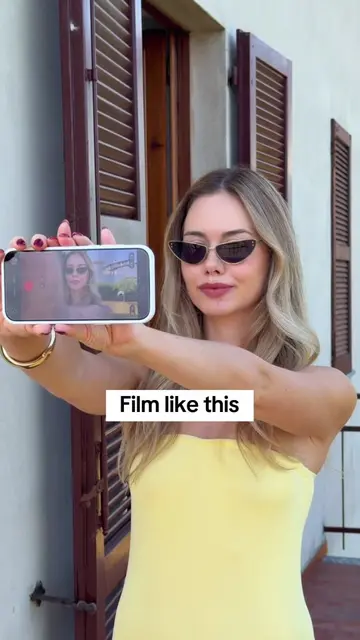
The video demonstrates how to film clips in different locations and then merge them in CapCut, applying a specific speed curve effect to achieve a desired result. It shows the editing process within CapCut, highlighting the 'Curve' feature and the 'Bullet' preset.
An easy tutorial to film this cool transition🫶🏻 #capcut #capcutpioneer
Film like this
Film clips in different locations
Merge clips in CapCut
Add a speed curve effect
Select the 'Bullet' speed curve preset
Achieve the final video result
CapCut: ACTS - it is used to edit video clips, merge them, and add a speed curve effect. Removing it would change what happens in the video.
Playing this video’s own audio, so you’ll hear the creator over the sound.
Promotes 2 products. Create free account to see more.
Outliers and viral hits: their videos on Overshot, all time.
Video editing app for creators making social media videos
Views and creators: posted in the last 30 days (English videos). Videos: all time.