Loading video…
All breakouts
4.9App DemoHow-To hookCreator Economy
Hook
@katrina_pahomova ai tutorial 1/3 NEW EYES
@katrina_pahomova
14.2K followers · usually 9.1K views a post
Views
42.8K
Likes
3.5K
Comments
171
Shares
460
Promoted product
NewEyes AI
Why it worked
The video provides a clear, concise tutorial on how to achieve a visually appealing AI-generated effect, making it highly shareable and valuable for other creators looking to enhance their content.
Summary
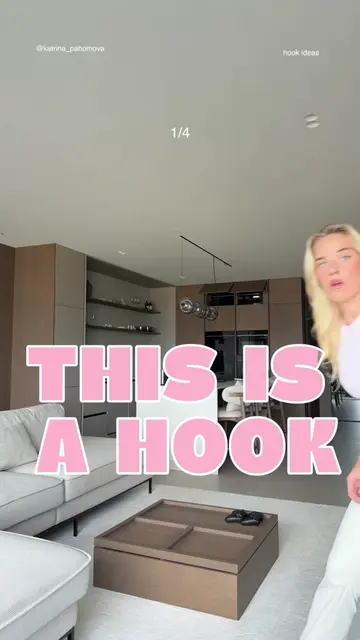
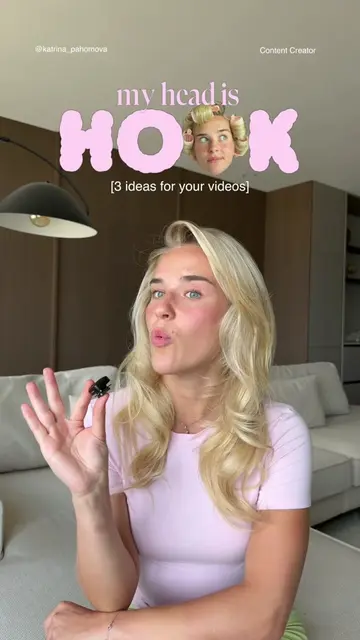
This video demonstrates how to use the NewEyes AI tool to create fluffy text effects for videos and images. The creator guides viewers through uploading content, pasting a prompt, and generating the desired effect within minutes.
Structure
- 1Showcase fluffy text effect
- 2Explain the need for videos and images
- 3Demonstrate using NewEyes AI
- 4Inputting prompt and generating effect
- 5Call to action for prompts
Product placement
NewEyes AI (ACTS - used to generate video effects, its interface is operated, and a visible result comes from it. Removing it would change what happens in the video.)
Original caption
Let me show you how I made this hook. You'll need three videos and two fluffy text images. Open NewEyes AI, upload your video and your generated image, then paste in this prompt. Tap Generate and wait about 2–4 minutes. That's it! You'll get the same effect in just a few clicks.
More from @katrina_pahomova
More breakout videos from this creator.