Loading video…
All breakouts
216Talking HeadOther hookAI Tools
Hook
INSTAGRAM STORY IDEA PART.2
@chris.creates.7
290.9K followers · usually 8.0K views a post
Views
2.2M
Likes
103.9K
Comments
115
Shares
3.9K
Why it worked
The video provides a clear, step-by-step visual tutorial for a specific Instagram story feature, making it easy for viewers to replicate. The use of popular music and a visually appealing aesthetic likely contributed to its engagement.
Summary
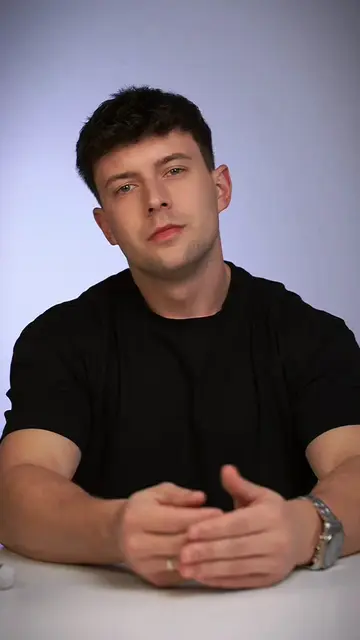
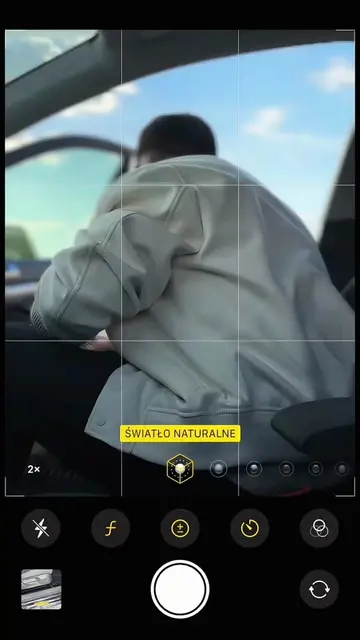
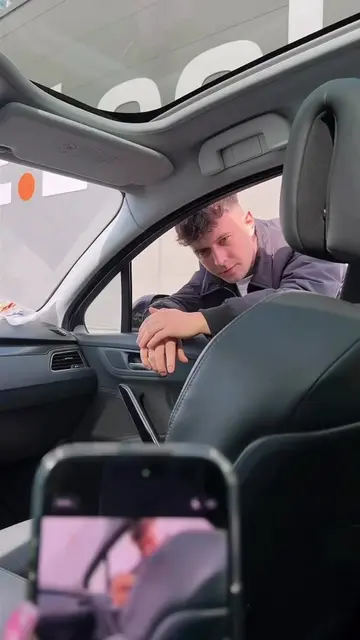
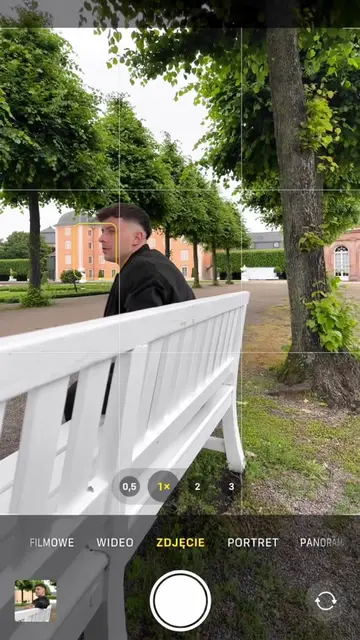
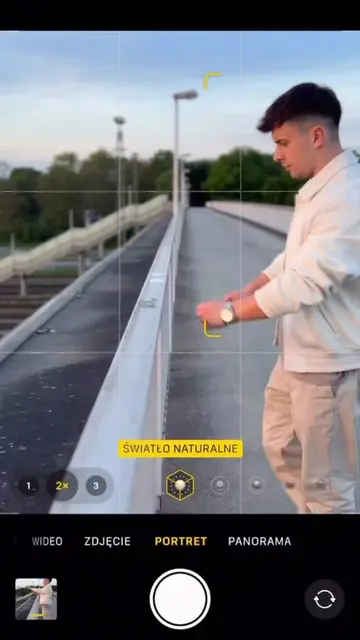
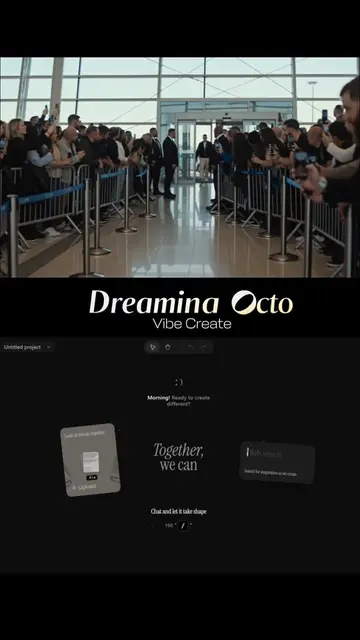
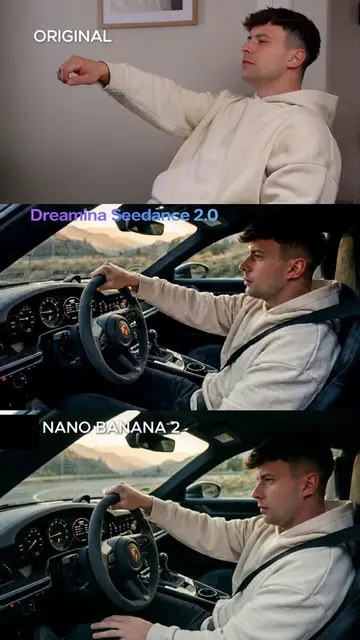
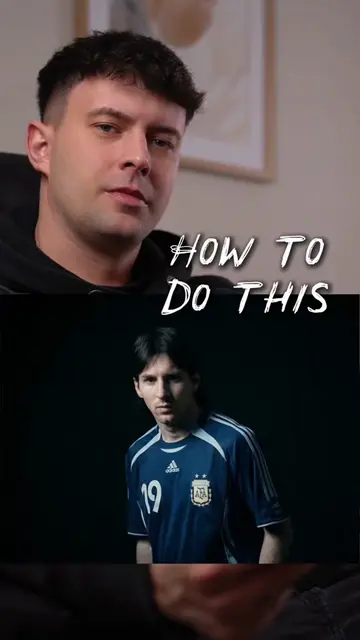
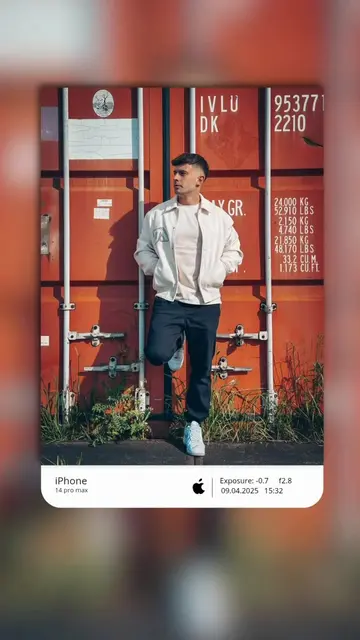
The video shows a person demonstrating how to create an Instagram story. It begins with text overlay indicating "INSTAGRAM STORY IDEA PART.2" and then shows the person interacting with their phone, seemingly editing a photo or video to be used as a story element. The process involves using editing tools to create a cutout sticker of a music player interface.
Structure
- 1Introduction with text overlay
- 2Person holding phone and gesturing
- 3Demonstration of editing a music player as a sticker
- 4Using the cutout sticker feature
- 5Placing the sticker onto another image
On-screen text
INSTAGRAM STORY IDEA
PART.2
Original caption
Instagram Story Idea 🔥 follow for more #storyideas #instastory #phototrick #photoideas #smartphonephotography
More from @chris.creates.7
More breakout videos from this creator.